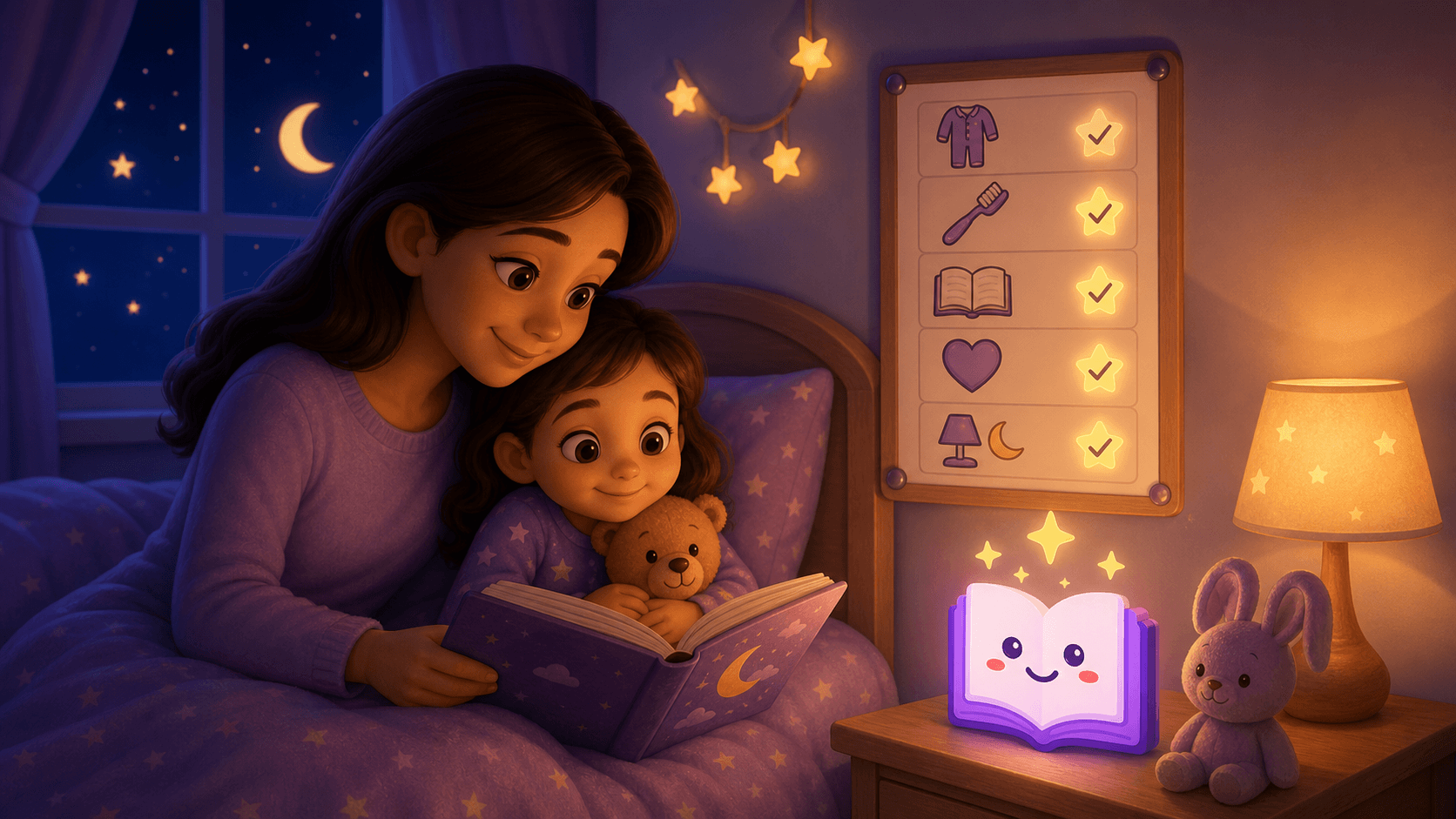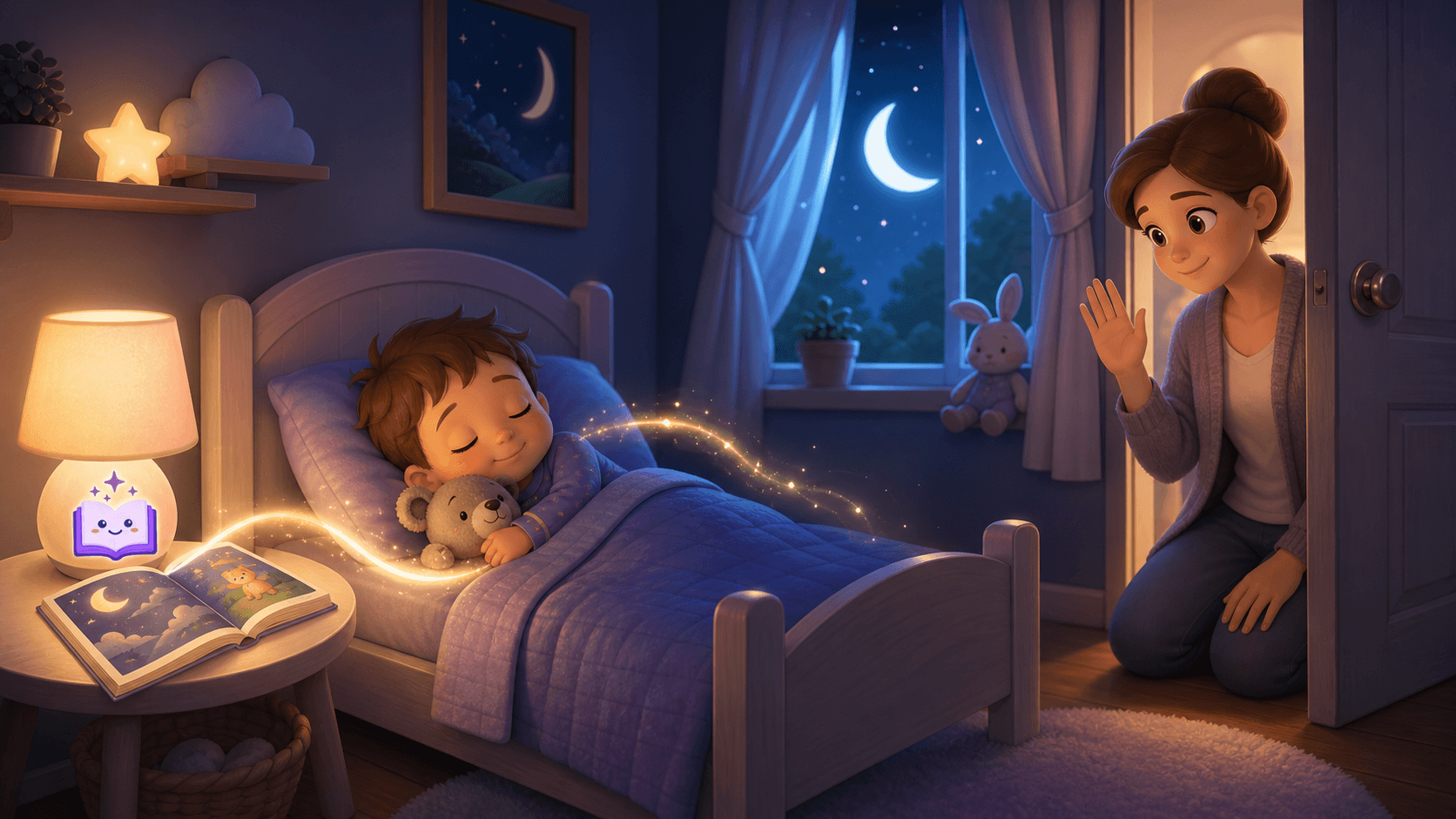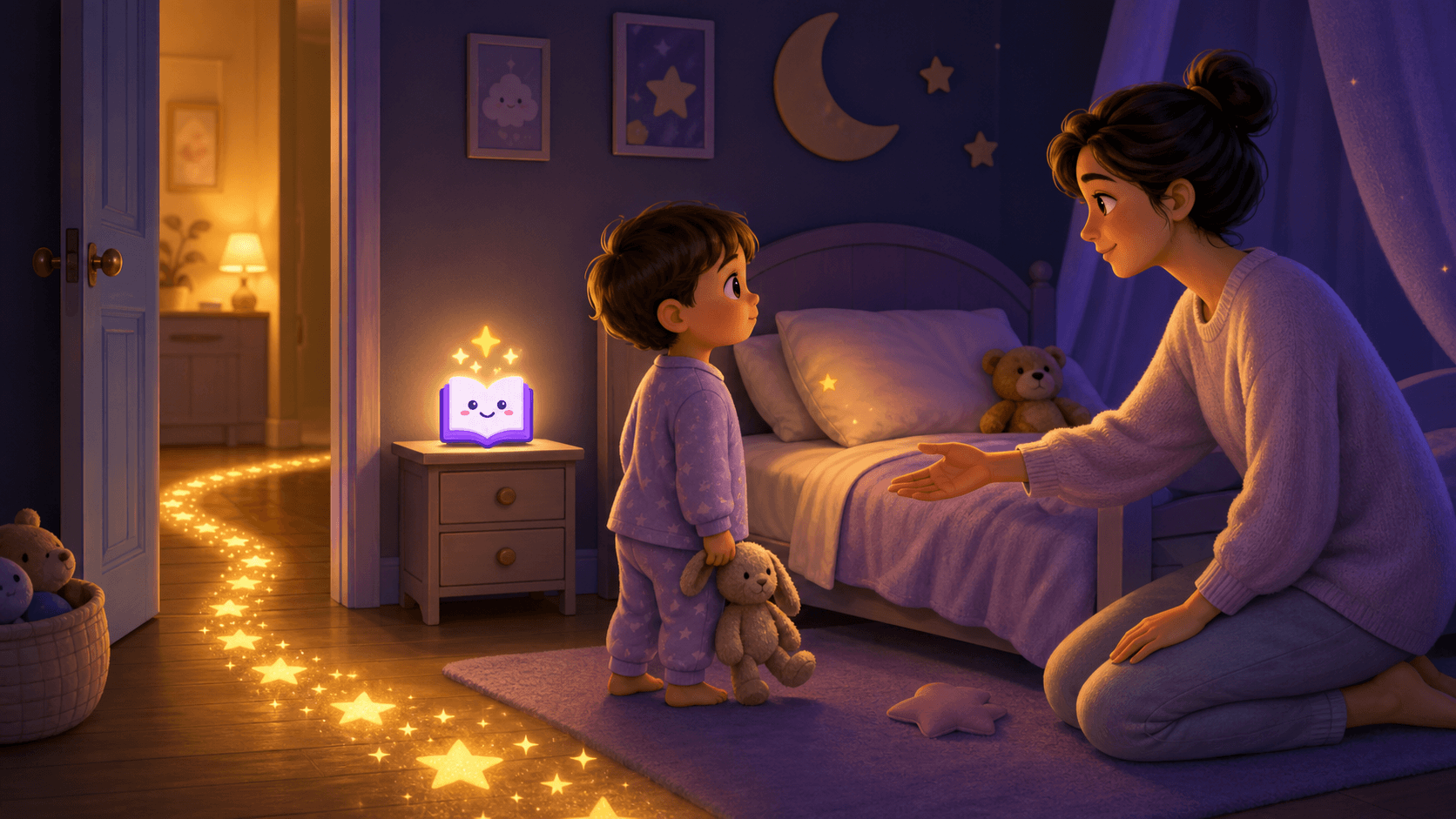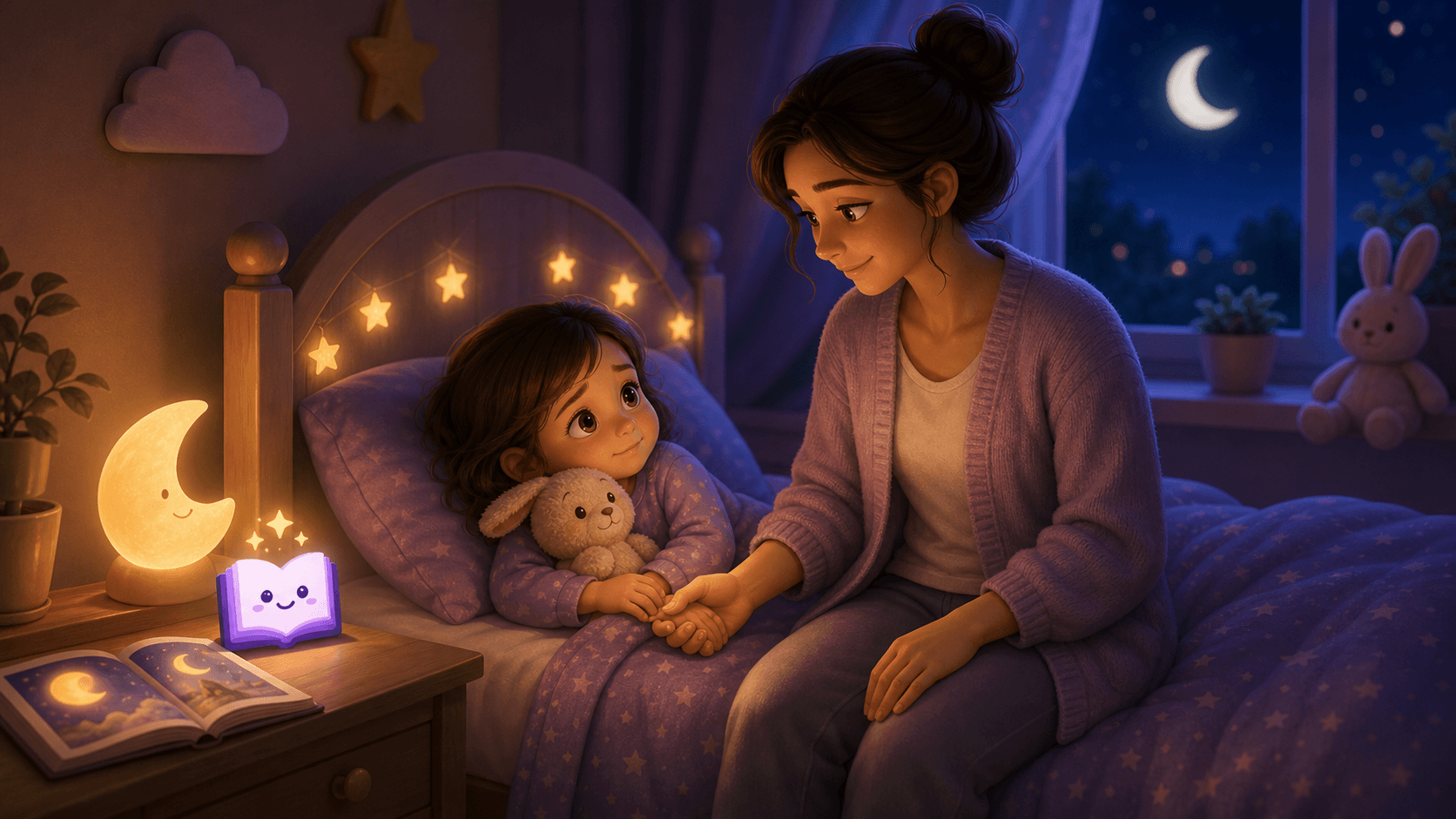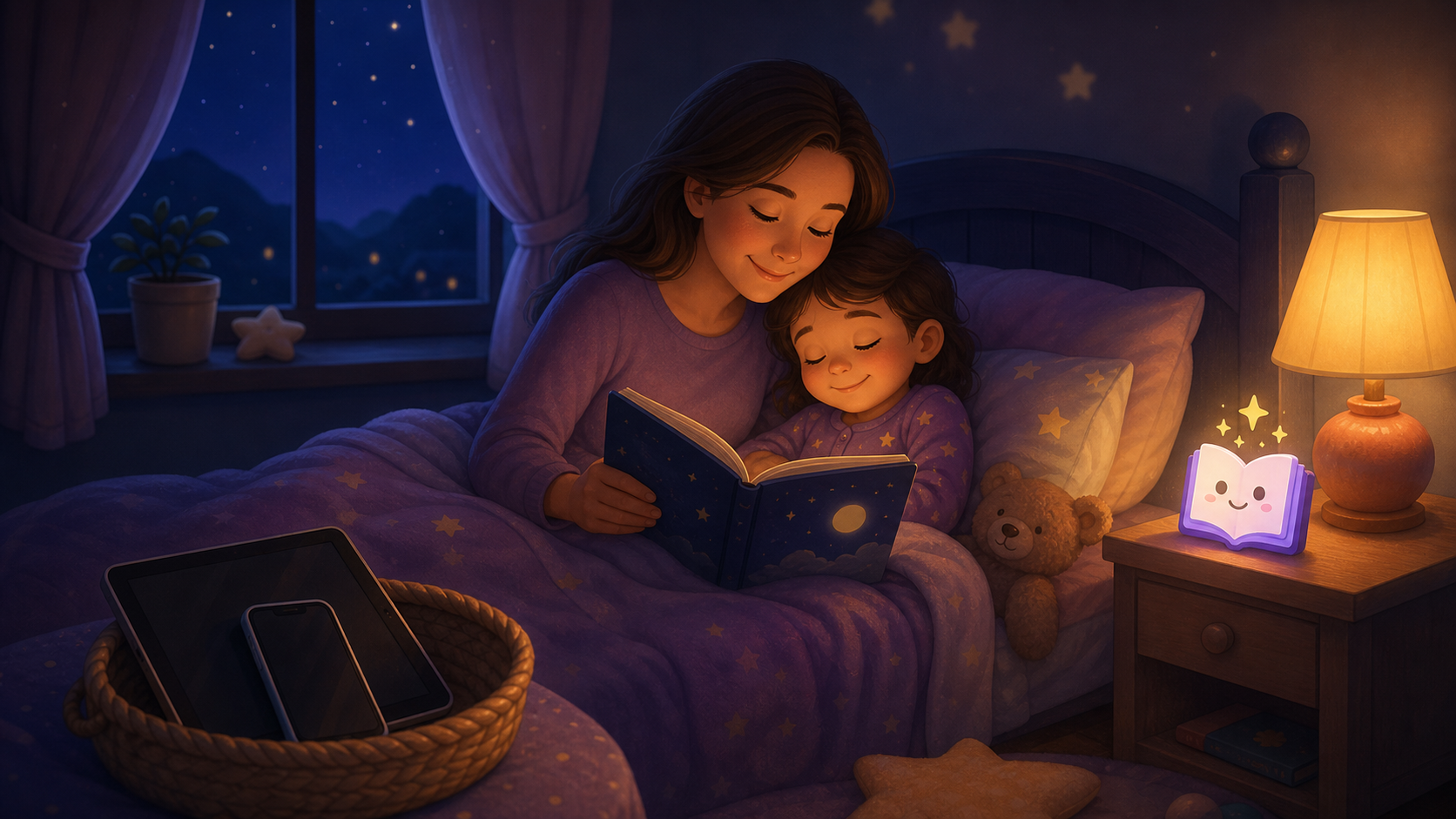
Screen time before bed can make kids more alert, push bedtime later, and turn the last hour of the day into a negotiation. The best fix is not just removing screens. It is replacing them with a predictable, comforting wind-down routine that children can repeat most nights.
Many parents already know screens are not ideal at bedtime.
The hard part is what happens next.
A tablet turns off and the child melts down. A show ends and they beg for one more episode. A game stops and their body seems louder than it was before. Then bedtime starts with conflict instead of connection.
This guide gives you a practical reset plan: how to move screens out of the bedtime window, what to replace them with, and how to use stories as the new transition into sleep. For a dedicated activity list, use the screen-free bedtime routine for kids.
Quick Answer: What Should Parents Do Tonight?
If bedtime is being pulled off track by screens, start with this simple plan:
- Pick a fixed screen cutoff.
- Give one warning before the cutoff.
- Move devices out of the bedroom.
- Replace the screen with the same calm sequence every night.
- Use one short bedtime story as the clear emotional bridge.
- Keep the ending predictable.
Do not start with a perfect routine. Start with a repeatable one.
Why Screens Make Bedtime Harder
Screens can interfere with bedtime in three different ways.
| Screen effect | What parents see at bedtime | Better replacement cue |
|---|---|---|
| Bright light | Child looks tired but cannot settle | Dim lamp, closed curtains, paper book |
| Fast content | Child wants more action or jokes | Slow story, soft voice, familiar plot |
| Interactive control | Child bargains, taps, scrolls, chooses | Fixed routine with one clear endpoint |
The American Academy of Pediatrics notes that screens can make children more alert and recommends avoiding screens in the hour before bed. HealthyChildren.org, an AAP site, also recommends keeping screens out of children's bedrooms at night and turning them off at least 60 minutes before bedtime.
The important idea is simple: bedtime needs fewer inputs, not more.
How Much Screen-Free Time Is Enough?
For many families, the best target is a 60-minute screen-free bedtime routine before lights out.
But the best target is not always the best starting point.
| Family situation | First target | Next step |
|---|---|---|
| Heavy evening tablet use | 15-20 minutes screen-free | Add 10 minutes every few nights |
| One short show after dinner | 30 minutes screen-free | Move to 45-60 minutes |
| Screens in bedroom | Remove devices at bedtime | Charge devices outside the room |
| Older child uses homework device | End entertainment first | Keep school device out of bed |
| Toddler tantrums at cutoff | Earlier cutoff with warning | Replace immediately with story routine |
If you can only protect 20 minutes at first, protect those 20 minutes consistently. A predictable small change works better than an ambitious rule that collapses after two nights.
The 7-Step Screen-Time Bedtime Reset
Use this order for one week before judging whether it works.
1. Choose the cutoff before the child is tired
Do not announce the new rule when the child is already holding the tablet.
Say it earlier in the day:
Tonight, screens stop after dinner. Then we do bath, pajamas, one story, cuddle, and sleep.
Keep it matter-of-fact. The more dramatic the announcement, the more dramatic the resistance may become.
2. Use one warning, not ten
Too many warnings can keep the child focused on the screen.
Use one short warning:
Five more minutes. Then the tablet goes in the basket and we start bedtime.
When the time is up, follow through calmly.
3. Put devices somewhere boring
Screens should not sit glowing on the nightstand.
Choose one family device spot:
- kitchen counter
- hallway charging shelf
- parent bedroom
- a small "sleep basket" outside the child's room
For younger children, the device should be out of sight. For older children, the reason can be stated plainly: bedrooms are for sleep, not scrolling.
4. Replace the screen immediately
The biggest mistake is creating an empty space after the screen turns off.
Children resist less when they know what comes next:
- device away
- wash
- pajamas
- teeth
- story
- cuddle
- goodnight phrase
That sequence becomes the new bedtime routine.
5. Use stories as the bridge
A bedtime story gives the child something positive after the screen ends.
Choose a calming bedtime story that is:
- short enough to finish before the child gets overtired
- emotionally safe
- not scary
- not silly enough to restart play
- familiar or gently personalized
- clearly finished
The story should feel like landing, not launching.
For ideas, use bedtime story prompts for kids or start with bedtime stories for kids.
6. Make the ending boring and identical
Screens teach children to expect another choice.
Bedtime needs the opposite: the same ending every night.
Example:
Story is done. You are safe. Teddy is here. I love you. It is sleep time.
Use the same phrase for at least a week. Repetition helps the phrase become a sleep association.
7. Keep returns calm
If your child gets up, asks for the tablet, or demands another story, repeat the same response.
Screens are done. Story is done. It is sleep time.
No lecture. No new episode. No long debate.
Warm and boring is the goal.
Screen Replacement Ideas by Age
The replacement should match the child's age and attention span.
| Age | Best replacement | What to avoid |
|---|---|---|
| 2-3 | One very short, repetitive story | Long plots, scary animals, bargaining |
| 4-5 | Personalized cozy story with a familiar object | Fast jokes, superhero battles, cliffhangers |
| 6-8 | Chapter-style calm story or read-aloud | "Just one more chapter" without a limit |
| 9-10 | Quiet reading, journaling, or low-volume audio | Browsing for the next thing to play |
For younger children who struggle with independence, pair this with How to Get a Toddler to Sleep Alone. For kids who become worried after screens turn off, see Bedtime Stories for Kids with Anxiety.
What If Screen Cutoff Causes Tantrums?
Screen tantrums are common because screens are high-reward and bedtime is low-choice.
Try this:
| Problem | Better response |
|---|---|
| "One more episode!" | "Episodes are done. Now pajamas, teeth, story." |
| Child screams when tablet leaves | Move cutoff earlier tomorrow, before exhaustion |
| Child grabs the device | Store it out of reach before routine starts |
| Child says story is boring | Offer two calm story choices, not a screen choice |
| Parent gives in after 20 minutes | Make the first cutoff smaller and more realistic |
If a child always wins one more episode by escalating, the escalation is doing its job. The kindest fix is a rule you can hold calmly.
Are Audiobooks and Story Apps Okay?
Sometimes.
The question is not whether audio is digital. The question is whether it keeps the child browsing, bargaining, or staring at a bright screen.
Audio can work when:
- the screen is off or out of reach
- the story is slow
- the volume is low
- the playlist is chosen by the parent
- there is a clear endpoint
- the child does not keep requesting new tracks
Audio can backfire when it becomes another interactive choice loop.
If your child does well with listening, try read-aloud bedtime stories online. If they get more alert with audio, use a parent-read story instead.
A 20-Minute Screen-Free Routine
Use this if your current bedtime is chaotic.
| Minute | Step |
|---|---|
| 0 | Screens into basket |
| 1-5 | Wash and pajamas |
| 5-8 | Teeth and bathroom |
| 8-15 | One calm story |
| 15-18 | Cuddle and goodnight phrase |
| 18-20 | Lights out, parent leaves or sits in planned spot |
This is short on purpose.
You can always extend a peaceful routine later. Start by making the transition predictable.
A 60-Minute Screen-Free Routine
Use this once the short version is working.
| Time before bed | Step |
|---|---|
| 60 minutes | Screens off, devices charging outside bedrooms |
| 50 minutes | Dim lights, quiet play or drawing |
| 35 minutes | Bath, wash, pajamas |
| 20 minutes | Teeth, bathroom, bedroom |
| 15 minutes | One story or one chapter |
| 5 minutes | Cuddle, phrase, lights out |
The Sleep Foundation summarizes common child sleep guidance by age, and Seattle Children's recommends avoiding screen time for at least one hour before bed while using that time for calm activities such as reading a story. Those recommendations fit the same basic pattern: protect the last hour from high-stimulation inputs.
What to Say When Your Child Pushes Back
Use short scripts.
Long explanations invite arguments.
For toddlers
Tablet is sleeping. Now we do our story.
For preschoolers
Screens are done for tonight. You can choose the bear story or the moon story.
For school-age kids
Your brain needs a quieter hour before sleep. Screens charge outside the room. You can read, listen to one calm story, or draw quietly.
For repeated requests
I already answered. It is story time now.
Repeat without adding new reasons.
How Personalized Stories Help
Personalized bedtime stories can make the screen-free routine easier because they preserve the part children actually want: attention, imagination, and choice.
The key is controlled choice.
Instead of choosing endless videos, the child chooses a calm story detail:
- favorite animal
- cozy place
- child's name
- blanket or teddy
- gentle story goal
- one peaceful adventure
Example prompt:
Write a calm bedtime story for a 5-year-old named Mila who is learning to turn off the tablet before bed. Include her purple blanket, a sleepy moon, and a friendly fox. Keep the story slow, safe, and finished. Avoid villains, chases, jokes, and cliffhangers.
That kind of prompt gives the child ownership without turning bedtime into another screen session.
When Screens Are Not the Only Issue
Screen time is not always the full cause of bedtime problems.
Look for other patterns too:
- bedtime is too late
- the child is overtired
- naps are shifting
- separation anxiety is high
- the child is afraid of the dark
- the routine has too many steps
- parent responses change night to night
If the child repeatedly leaves bed, read Toddler Keeps Getting Out of Bed. If they cannot fall asleep without a parent, see Child Won't Sleep Without Parent.
When to Ask for Help
A screen-free routine can support better sleep, but it is not a medical treatment.
Consider speaking with a pediatrician or qualified sleep professional if:
- sleep loss lasts for weeks despite consistent changes
- the child snores, gasps, or has breathing pauses
- anxiety is severe or appears during the day too
- bedtime battles are affecting family safety or wellbeing
- the child is extremely sleepy during the day
- there are medical, developmental, or medication concerns
The goal is not to blame screens for every sleep problem. The goal is to remove one common source of bedtime stimulation so the real pattern becomes easier to see.
Final Takeaway
Screen time before bed is hard to change because it is not just a habit. It is entertainment, control, comfort, and delay wrapped into one glowing object.
That is why the replacement matters.
Move screens out of the bedtime window. Keep the routine short and predictable. Use one calm story as the bridge. End the same way every night.
When bedtime becomes less interactive, it becomes easier for a child to feel sleepy.