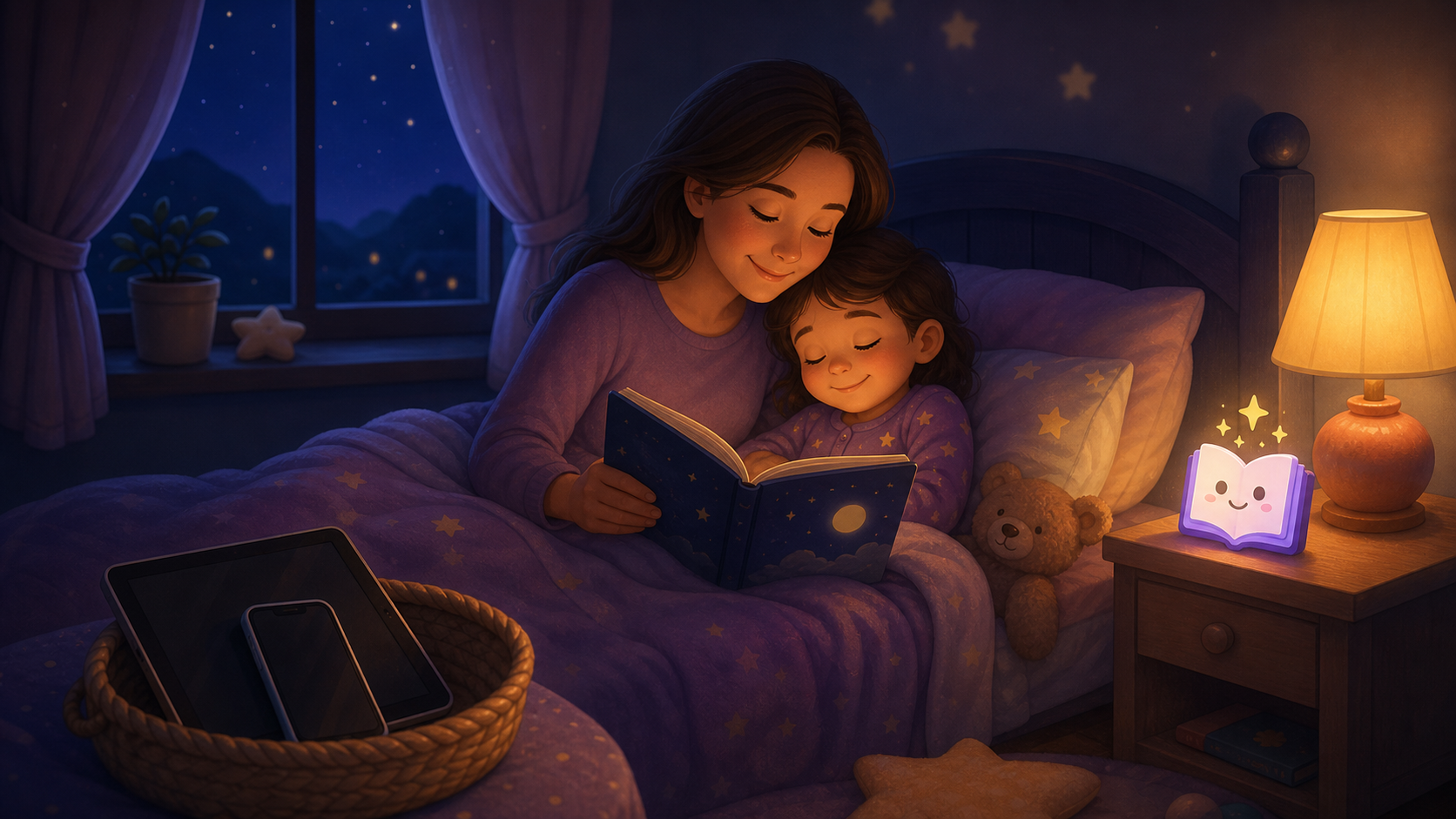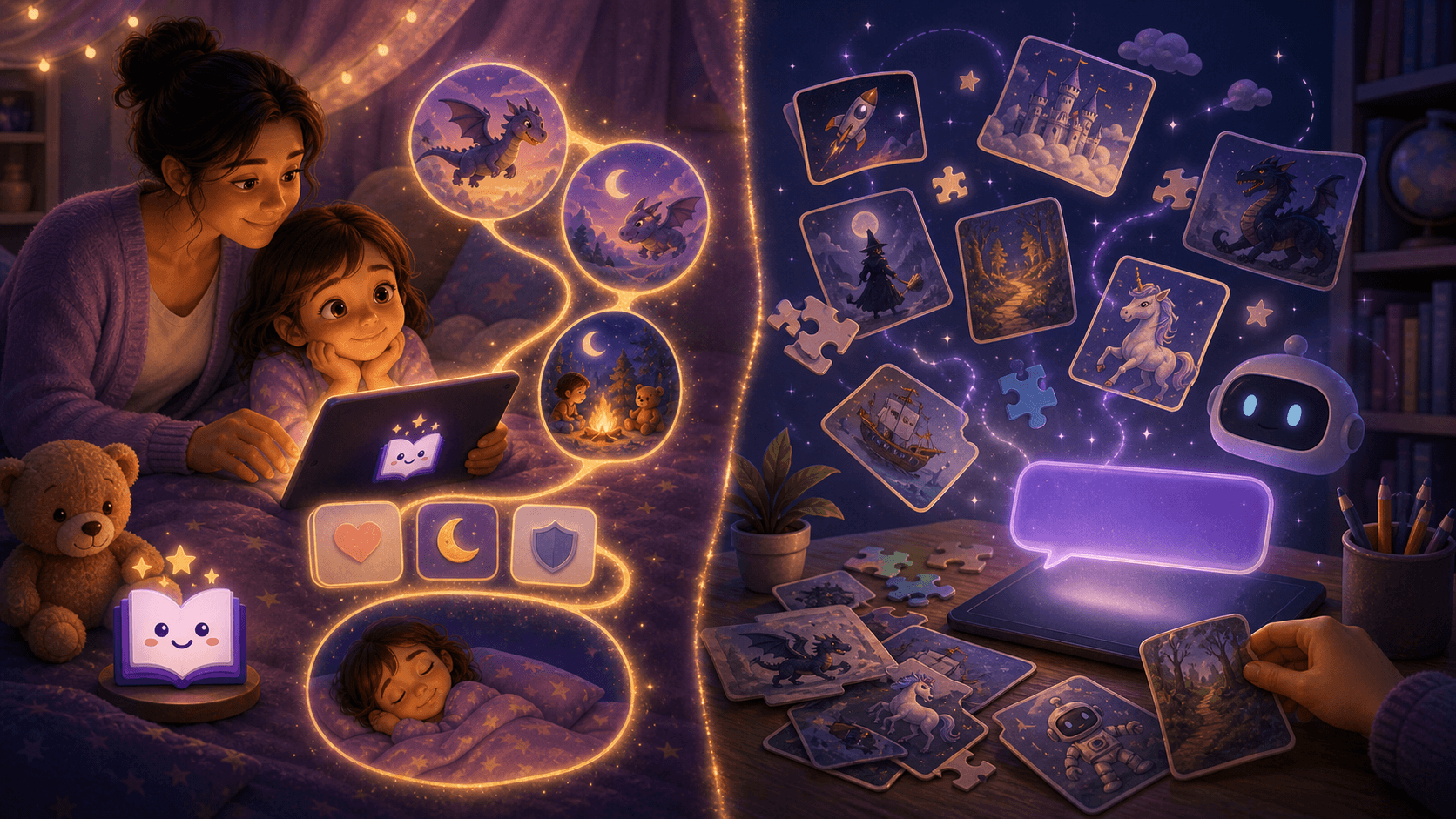
A screen-free bedtime story app should give children a calm story to listen to, not another screen to manage. The best option helps parents choose one age-appropriate story before lights-out, keep the device out of the child's hands, and make the ending predictable.
Parents do not search for a screen-free bedtime story app because they want more technology.
They search because bedtime has become too digital.
One video turns into three. A short cartoon becomes a negotiation. The tablet leaves, the child melts down, and the final minutes of the day feel louder than the rest of it.
A good bedtime story app can help, but only if it reduces stimulation.
This guide explains what "screen-free" should mean, how audio bedtime stories compare with YouTube and video read-alouds, and how to use a personalized story app like Lulawe without turning bedtime into another browsing session.
Quick Answer: What Should a Screen-Free Bedtime Story App Do?
A screen-free bedtime story app should help a child:
- listen instead of watch
- settle into one story, not browse many
- hear calm language at a low volume
- avoid autoplay and recommendations
- finish with a clear goodnight endpoint
- stay inside a parent-led bedtime routine
The parent should use the app briefly before the final wind-down, then put the screen away or keep it face-down and out of reach.
The app is useful when it becomes a bridge from screen time to sleep.
It is not useful when it becomes another reason to tap, scroll, choose, restart, or argue.
Why Parents Are Moving Away From Bedtime YouTube
YouTube and video read-alouds can be helpful earlier in the day.
At bedtime, they often create three problems:
| Bedtime problem | What it looks like | Better story cue |
|---|---|---|
| Visual stimulation | The child keeps watching instead of relaxing | Audio or parent-read story |
| Endless choice | "One more video" or "different story" | One story chosen before bedtime |
| Unclear ending | Autoplay and recommendations continue | A story with a fixed endpoint |
The American Academy of Pediatrics encourages families to create media rules that fit their routines, including screen-free zones before bed. In a 2026 HealthyChildren.org explainer, the AAP also recommends carving out family screen-free time, with bedrooms and the hour before bed named as strong places to start.
That does not mean every digital story is bad.
It means the delivery matters.
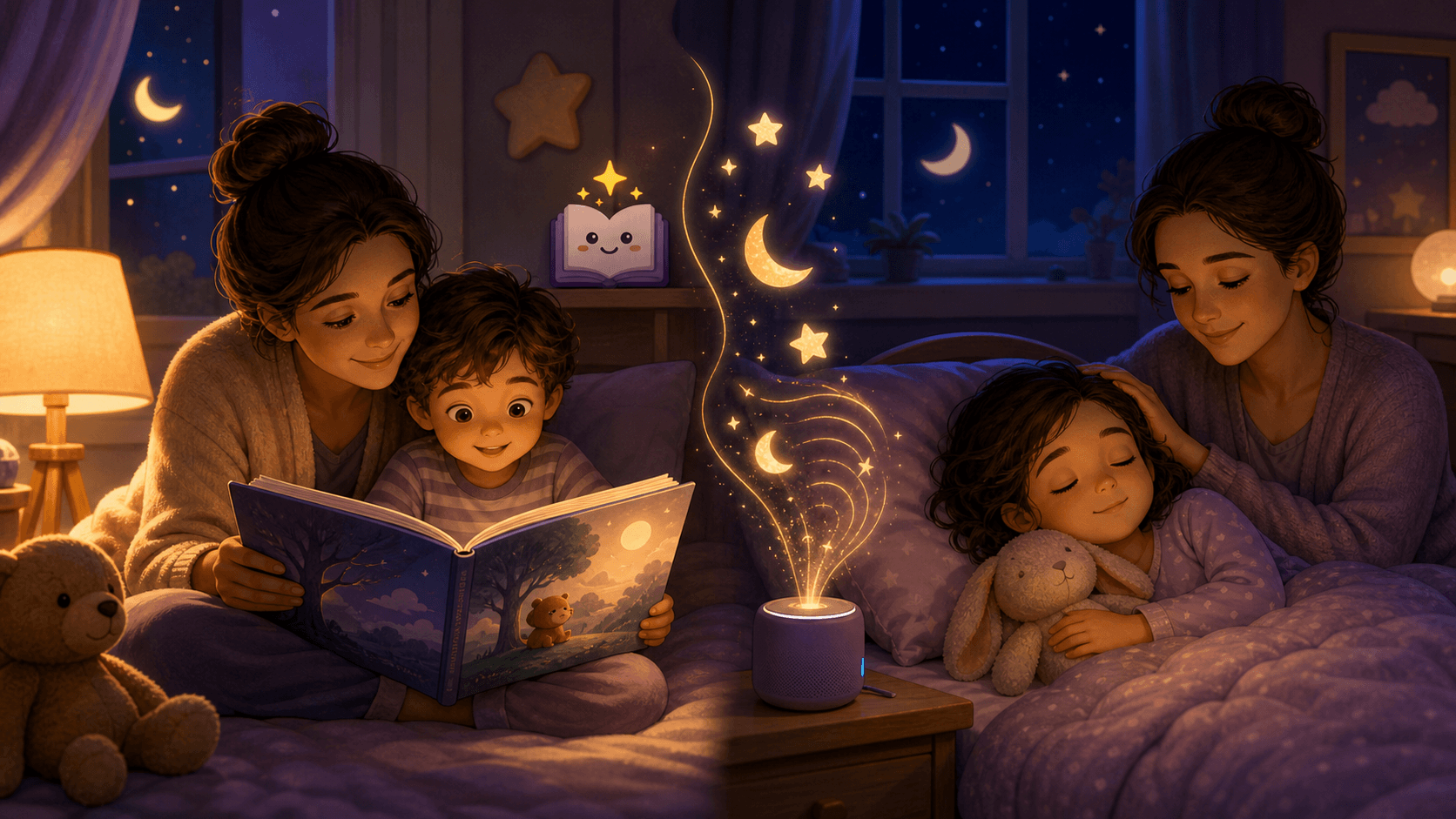
An audio bedtime story can support a calmer routine because the child can listen without looking at a screen.
Screen-Free Does Not Mean Parent-Free
The phrase "screen-free app" can sound contradictory.
The practical meaning is simpler:
- the parent may use a device briefly
- the child does not browse, tap, or watch at lights-out
- the story plays or is read aloud as a low-stimulation endpoint
- the phone or tablet stays out of the child's control
That distinction matters.
A story app can be part of a screen-free bedtime routine if the app removes the parts of digital bedtime that keep children alert.
The safest pattern is parent-led:
- choose or create the story before the final wind-down
- review the story quickly
- start the story once
- keep the screen dim, off, or face-down
- stop when the story ends
- use the same goodnight phrase
For a full reset plan, see Screen Time Before Bed for Kids.
Audio Bedtime Story App vs Video Story App
Both formats can tell a story.
They do not affect bedtime the same way.
| Feature | Audio bedtime story app | Video bedtime story app |
|---|---|---|
| Visual input | Low | High |
| Child can close eyes | Yes | Usually no |
| Autoplay risk | Possible | High |
| Browsing risk | Depends on design | High |
| Best bedtime use | Final quiet minutes | Earlier evening |
| Parent control needed | Still important | Very important |
Video stories are not automatically wrong.
They are just harder to use close to sleep because the child has to keep looking.
For many families, the calmer sequence is:
- visual or illustrated stories earlier
- lights dimmer
- screens away
- audio or parent-read story for the last few minutes
That same pattern is explained in Illustrated vs Audio Bedtime Stories.
What Makes a Bedtime Story App Actually Screen-Free?
The best screen-free bedtime story apps usually share these traits:
| Feature | Why it matters |
|---|---|
| Audio-first mode | Lets the child listen without watching |
| Parent chooses before bed | Prevents last-minute browsing |
| No autoplay loop | Keeps one story from becoming ten |
| Calm narration | Avoids loud, comic, or high-energy delivery |
| Age-aware story length | Keeps the story from dragging past tiredness |
| Clear ending | Helps the story become a sleep cue |
| No ads or recommendations | Removes attention traps |
| Parent review | Lets adults catch anything too intense |
| Privacy-conscious personalization | Makes the story personal without oversharing |
If an app fails several of these checks, it may still be a fun story app.
It is probably not a bedtime app.
Why Personalized Audio Stories Work Well
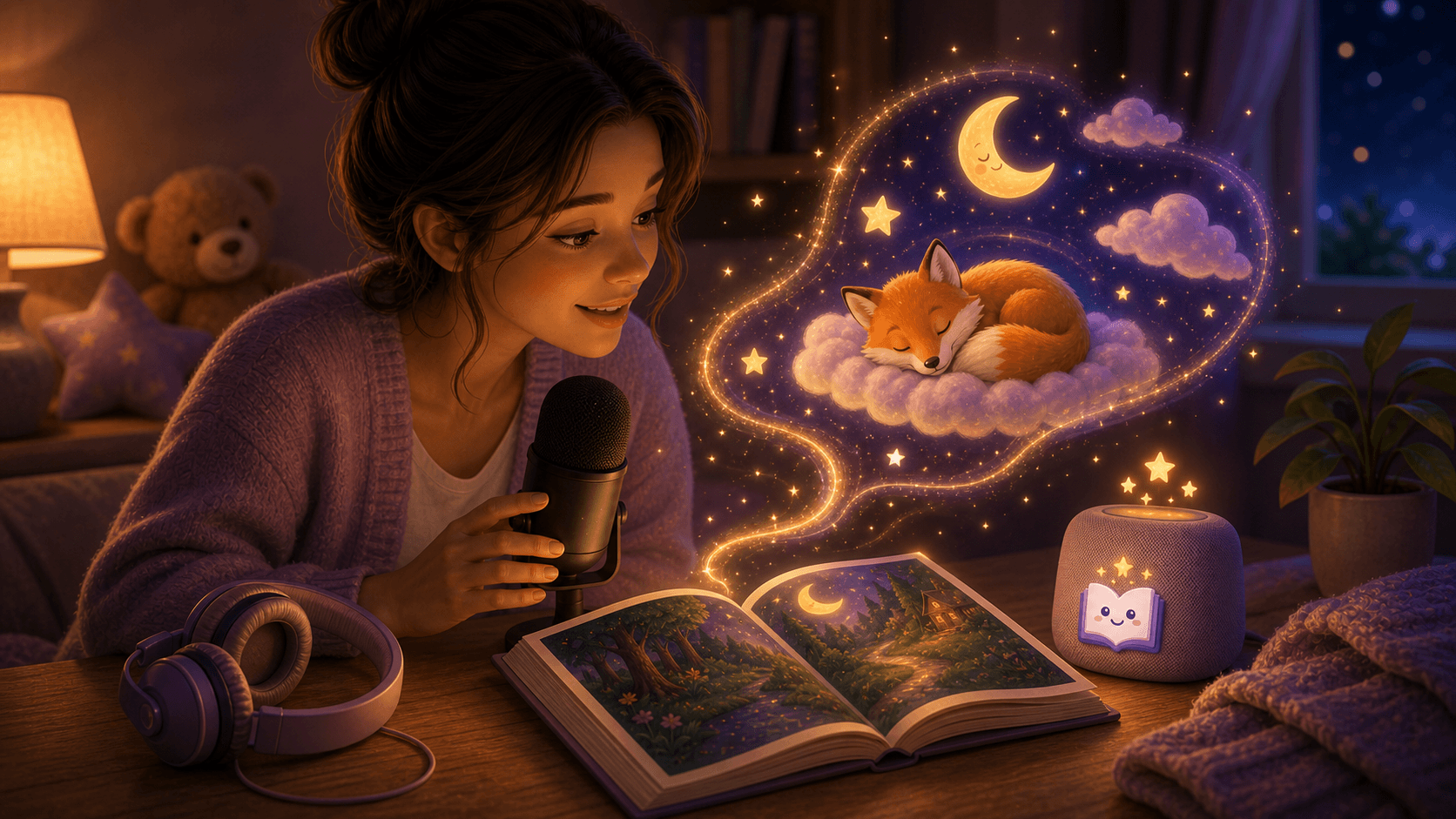
Personalized audio stories are powerful because they preserve what children like about screens - novelty, choice, and imagination - without requiring a visual loop.
Instead of browsing videos, the child can choose one calm detail:
- a favorite animal
- their first name or nickname
- a cozy place
- a blanket or toy
- a gentle feeling
- one bedtime goal
That is controlled choice.
It gives the child ownership without handing them an endless menu.
A personalized bedtime story also feels more emotionally relevant than a generic audio library. When a child hears their own name, favorite theme, or familiar bedtime phrase, the story can feel like it belongs to them.
That is where Lulawe fits especially well.
Lulawe helps parents create child-specific bedtime stories around a child's age, interests, real-life memories, and imagination. Used in a screen-free routine, the app can give tired parents a better story starting point without turning the last minutes of bedtime into video time.
How To Use Lulawe as a Screen-Free Bedtime Story App
Use this workflow when the goal is calmer sleep, not more entertainment.
1. Create the story before lights-out
Do not wait until the child is already overtired.
Create or choose the story before the final wind-down window, ideally before pajamas or teeth.
2. Keep personalization small
Use two or three details:
- name or nickname
- age
- favorite animal or theme
- one gentle bedtime goal
Avoid sensitive details such as full name, school, address, medical information, or private family conflict. For more privacy guidance, see Are AI Bedtime Stories Safe for Kids?.
3. Choose a calm story goal
Good bedtime goals:
- feeling brave in the dark
- turning off the tablet
- sharing
- settling the body
- saying goodnight
- sleeping in their own bed
Avoid goals that create action, winning, competition, or surprise.
4. Read or play it once
The story should be the endpoint, not the start of another choice loop.
If your child asks for another story, keep the response short:
That was tonight's story. Tomorrow we can make another one.
5. Finish with the same phrase
Example:
Story is done. You are safe. I love you. It is sleep time.
Repetition helps the phrase become a sleep association.
A Simple Screen-Free Bedtime Story Routine
Use this 25-minute version if bedtime currently includes too much scrolling or video.
| Minute | Step |
|---|---|
| 0 | Screens into the family charging spot |
| 1-5 | Wash, bathroom, pajamas |
| 5-8 | Teeth |
| 8-10 | Parent opens the chosen story |
| 10-18 | Read aloud or play gentle audio |
| 18-22 | Cuddle, breathe, repeat the same goodnight phrase |
| 22-25 | Lights out |
The important part is not the exact timing.
The important part is that the child can predict the order.
The Sleep Foundation notes that bedtime routines work because they are consistent, repetitive, and calming. A story app should support that structure, not compete with it.
What To Avoid in a Bedtime Story App
Avoid apps or settings that create:
- autoplay
- feeds
- video recommendations
- loud sound effects
- dramatic music
- open child chat
- endless story regeneration
- bright animated scenes at lights-out
- rewards for continuing
- ads or popups
The American Academy of Child and Adolescent Psychiatry recommends removing screens 30 to 60 minutes before bedtime. If the story app keeps the child staring, tapping, or negotiating, it is working against that goal.
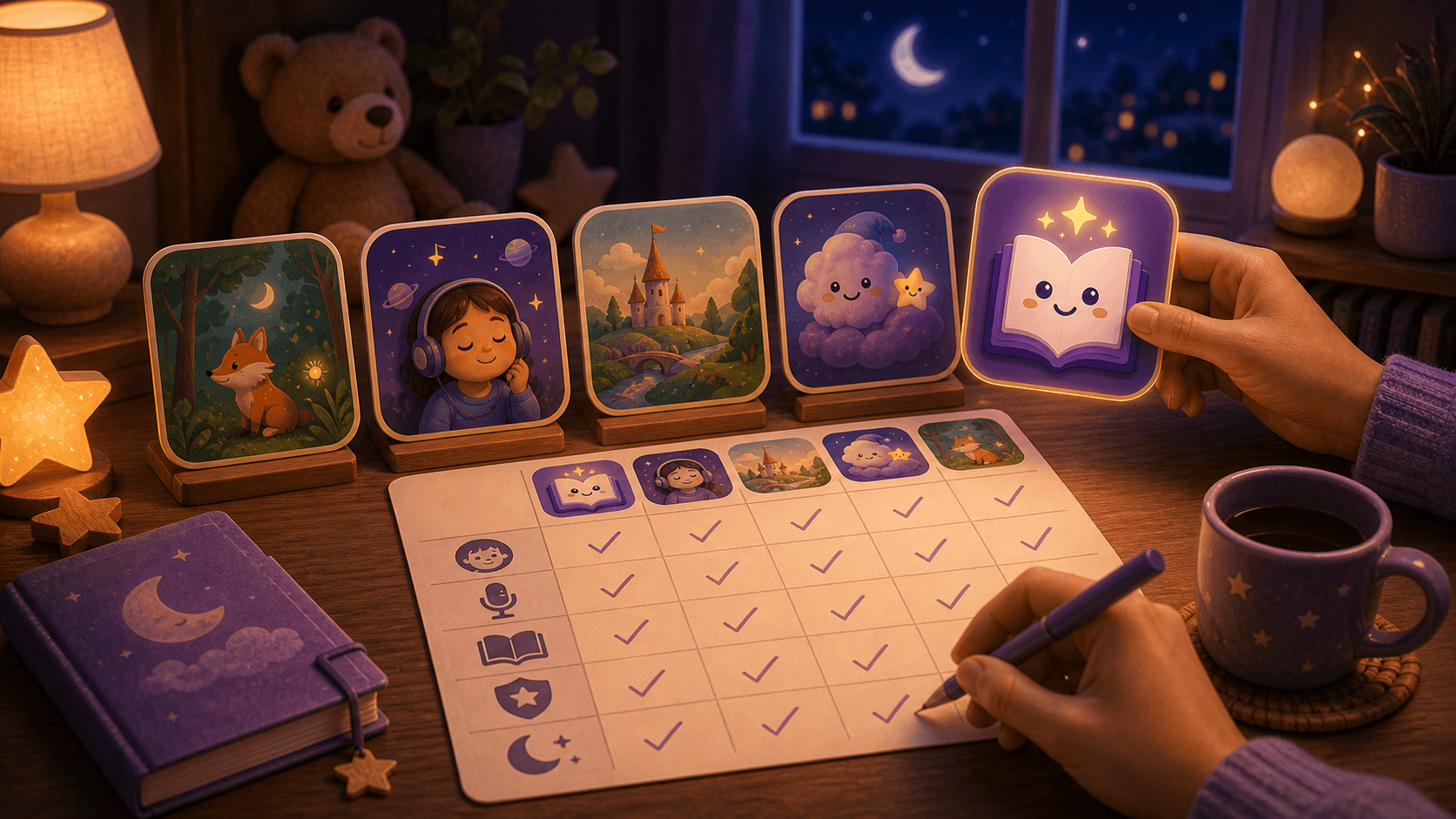
Screen-Free Story App Checklist
Before using an app at bedtime, ask:
| Question | Good answer |
|---|---|
| Can my child listen without watching? | Yes |
| Can I choose the story before bed? | Yes |
| Can I stop after one story? | Yes |
| Is the narration calm? | Yes |
| Is the story age-aware? | Yes |
| Can I review or guide the content? | Yes |
| Does it avoid ads and endless recommendations? | Yes |
| Can it personalize without sensitive details? | Yes |
If the answer is mostly yes, the app can probably support bedtime.
If the answer is mostly no, use it earlier in the day or choose a simpler read-aloud story.
Best Screen-Free Story Formats by Age
| Age | Best story format | Why |
|---|---|---|
| 1-2 | Parent-read story, very short audio | Parent voice and repetition matter most |
| 3-4 | Personalized parent-read story | Familiar details help transitions |
| 5-6 | Calm audio or parent-read personalized story | Children can follow longer plots |
| 7-8 | Audio story or one chapter | Listening can support independence |
| 9-10 | Audio, chapter book, or quiet reading | Older kids need fewer visuals |
For younger children, keep stories short and concrete.
For older children, keep the boundary clear: one story or one chapter, then lights out.
When Audio Stories Can Backfire
Audio is calmer than video, but it is not magic.
It can still cause bedtime problems when:
- the story is too exciting
- the voice is too theatrical
- the child controls the device
- the app keeps offering more choices
- the parent restarts stories repeatedly
- the volume is too loud
- the story has no clear ending
If audio creates negotiation, simplify the routine.
Use a parent-read story for a few nights, then reintroduce audio with a stricter endpoint.
Sources Used
- American Academy of Pediatrics Family Media Plan
- AAP policy explainer on helping kids thrive in a digital world
- American Academy of Child and Adolescent Psychiatry screen time guidance
- Sleep Foundation guide to children's bedtime routines
- Common Sense Media guide to screens and kids' sleep
Try a Personalized Screen-Free Story Tonight
Lulawe creates personalized bedtime stories around your child's age, name, interests, and bedtime goal. Choose one calm detail, generate the story before the final wind-down, then read or play it once as the screen-free bridge into sleep.
Final Takeaway
A screen-free bedtime story app should make bedtime less interactive, not more.
Use the app before the final wind-down. Choose one calm story. Keep the device out of the child's hands. Let the child listen, imagine, and finish.
For families who want personalized stories without bedtime YouTube, Lulawe can work as the story bridge: child-specific enough to feel special, parent-led enough to stay calm, and simple enough to become part of a repeatable bedtime routine.