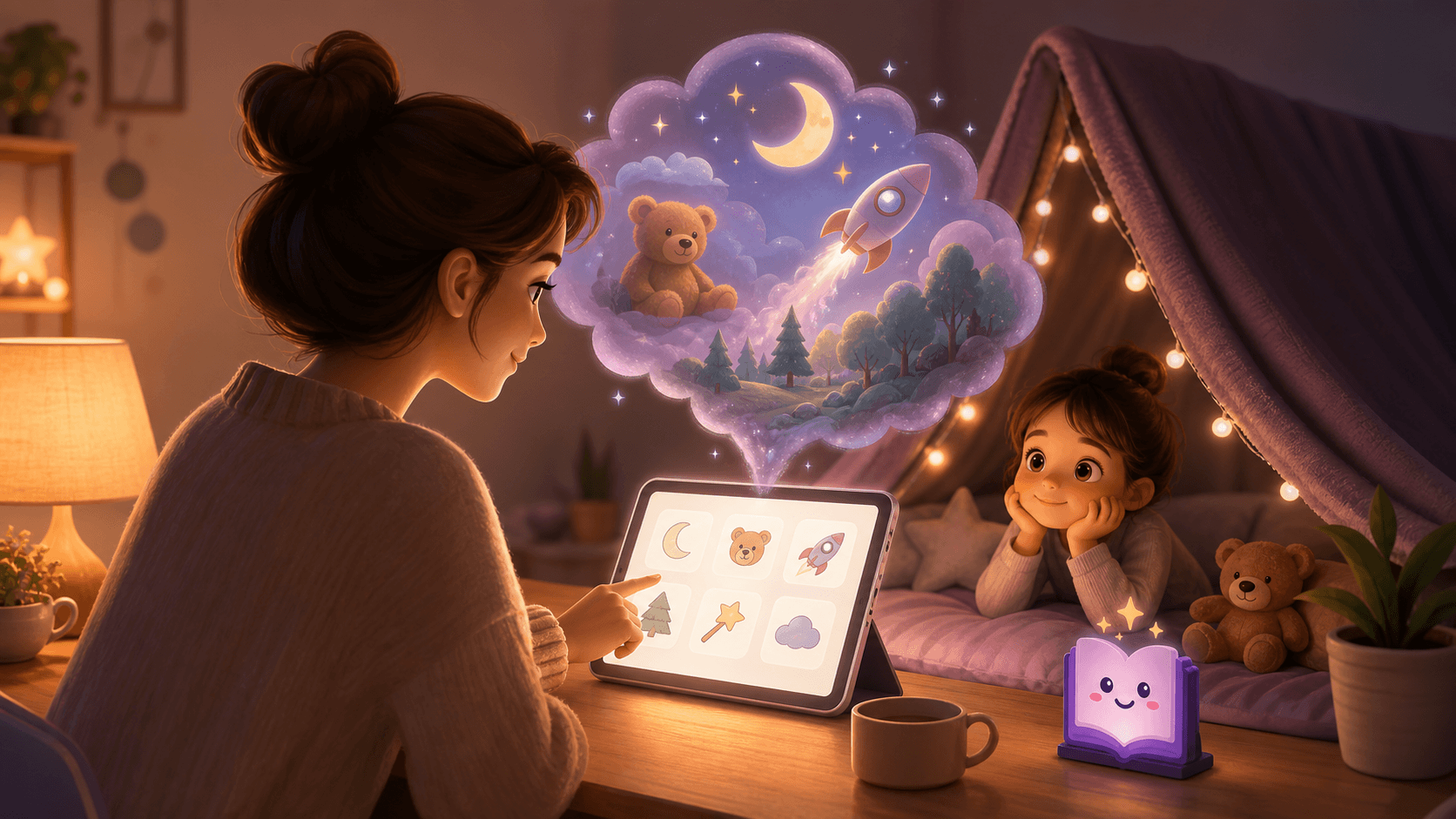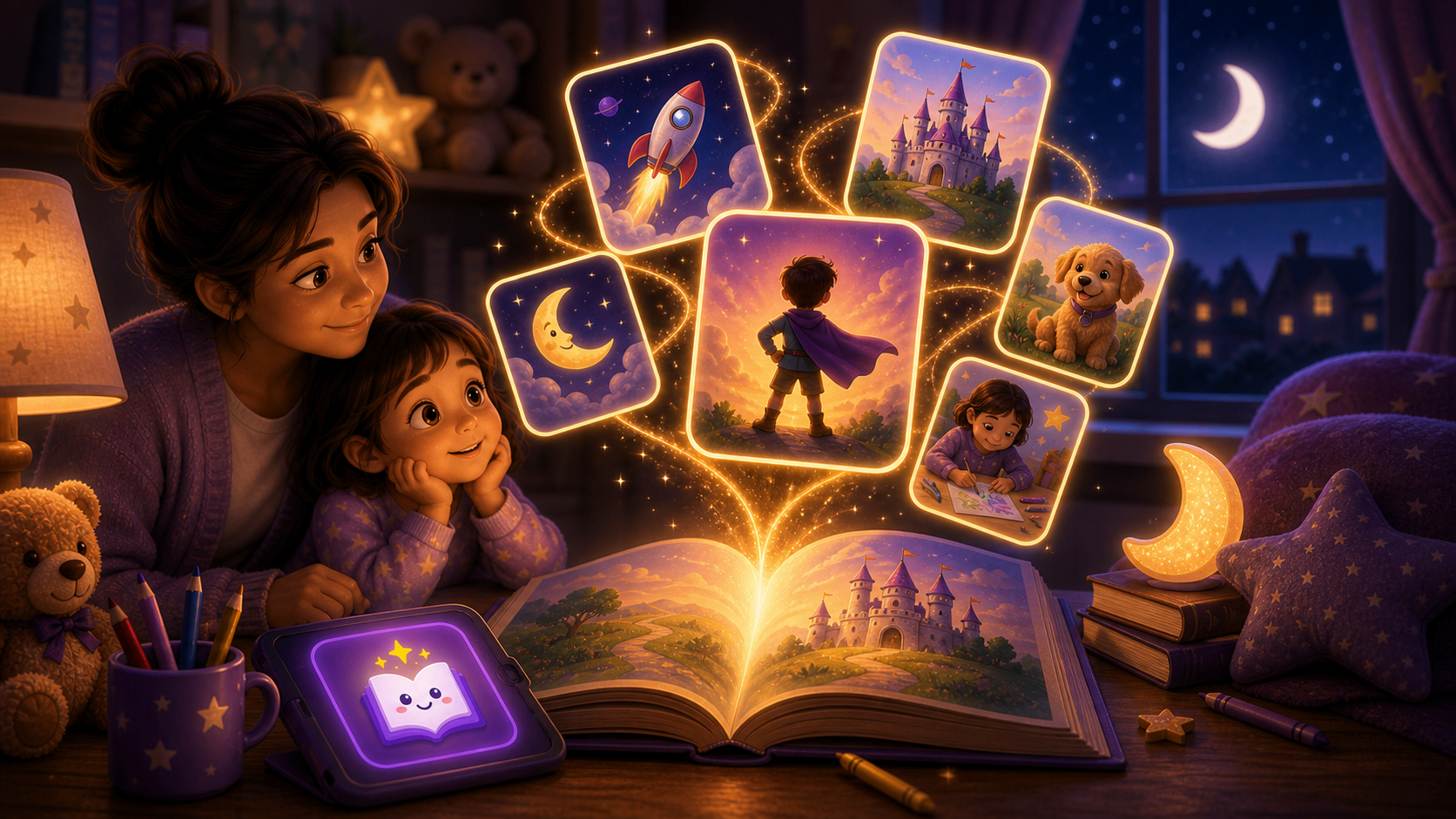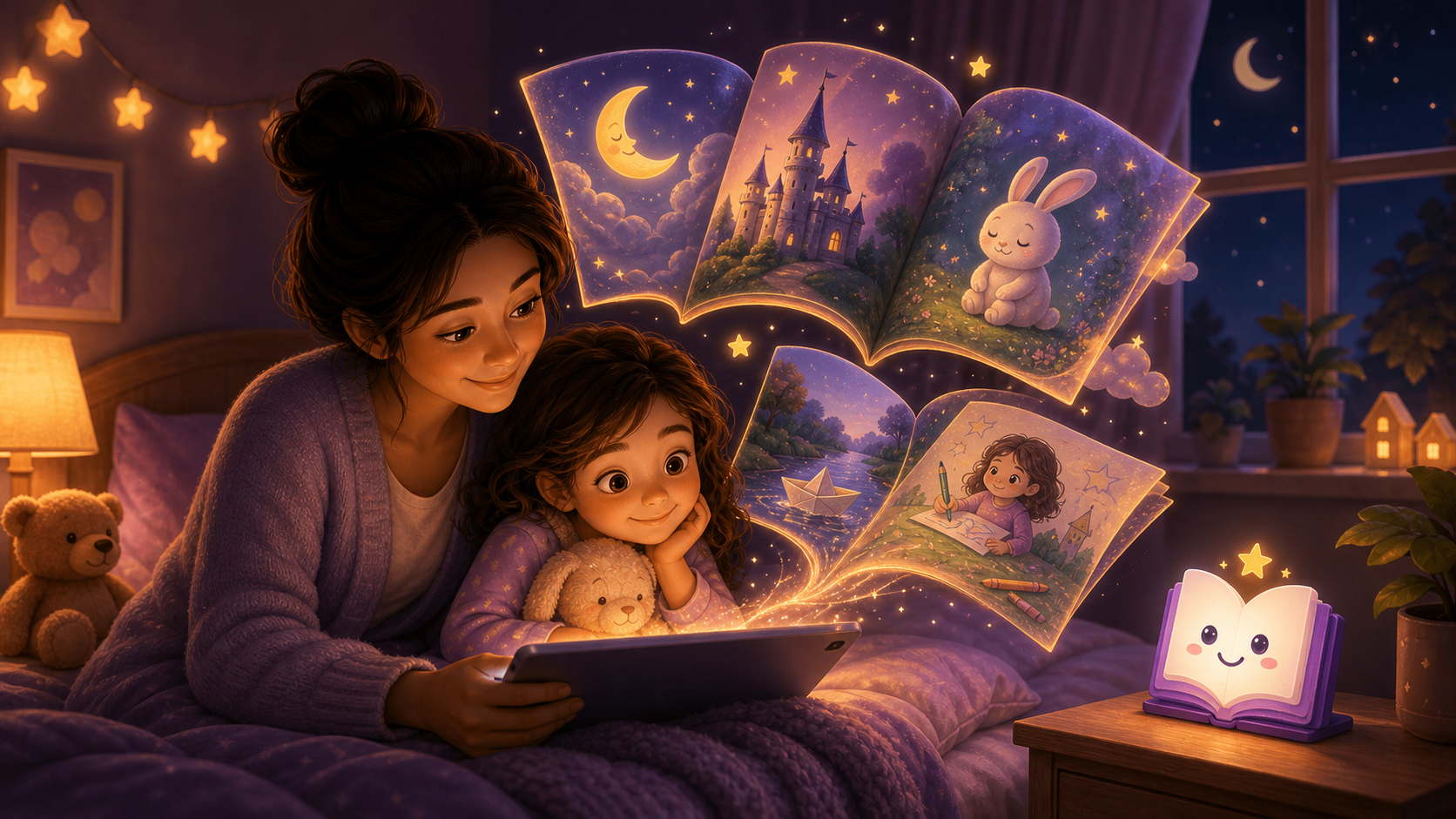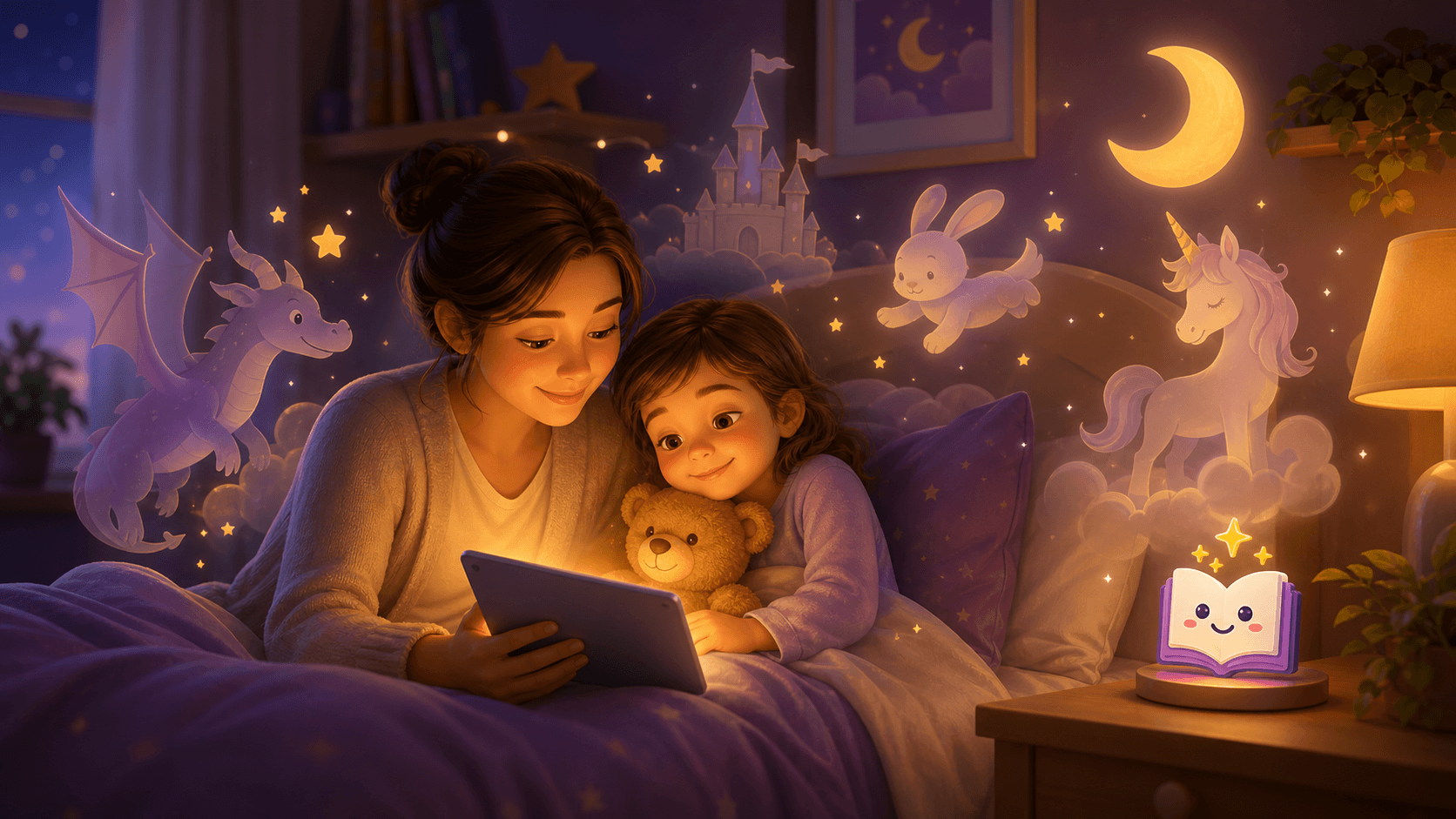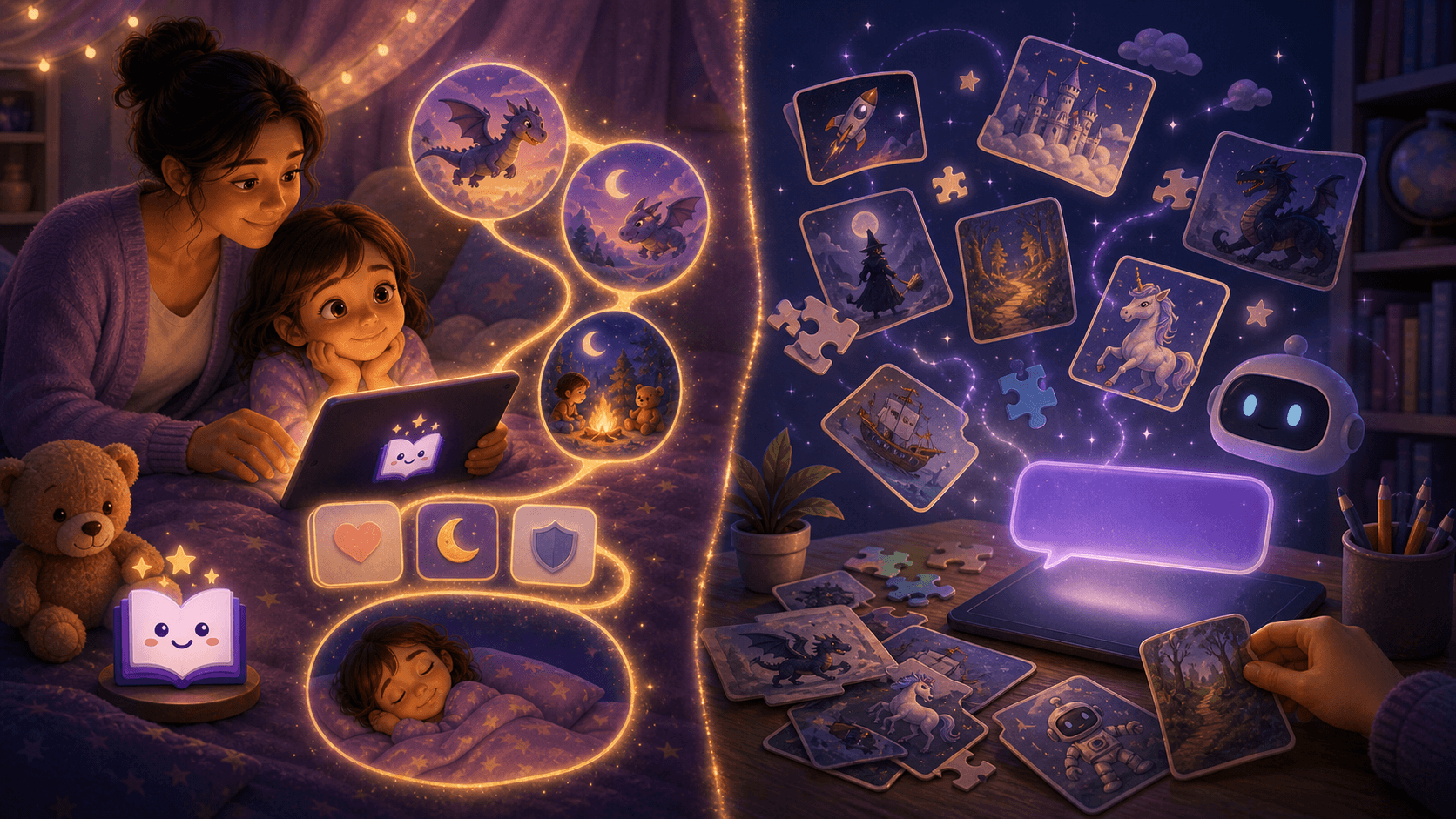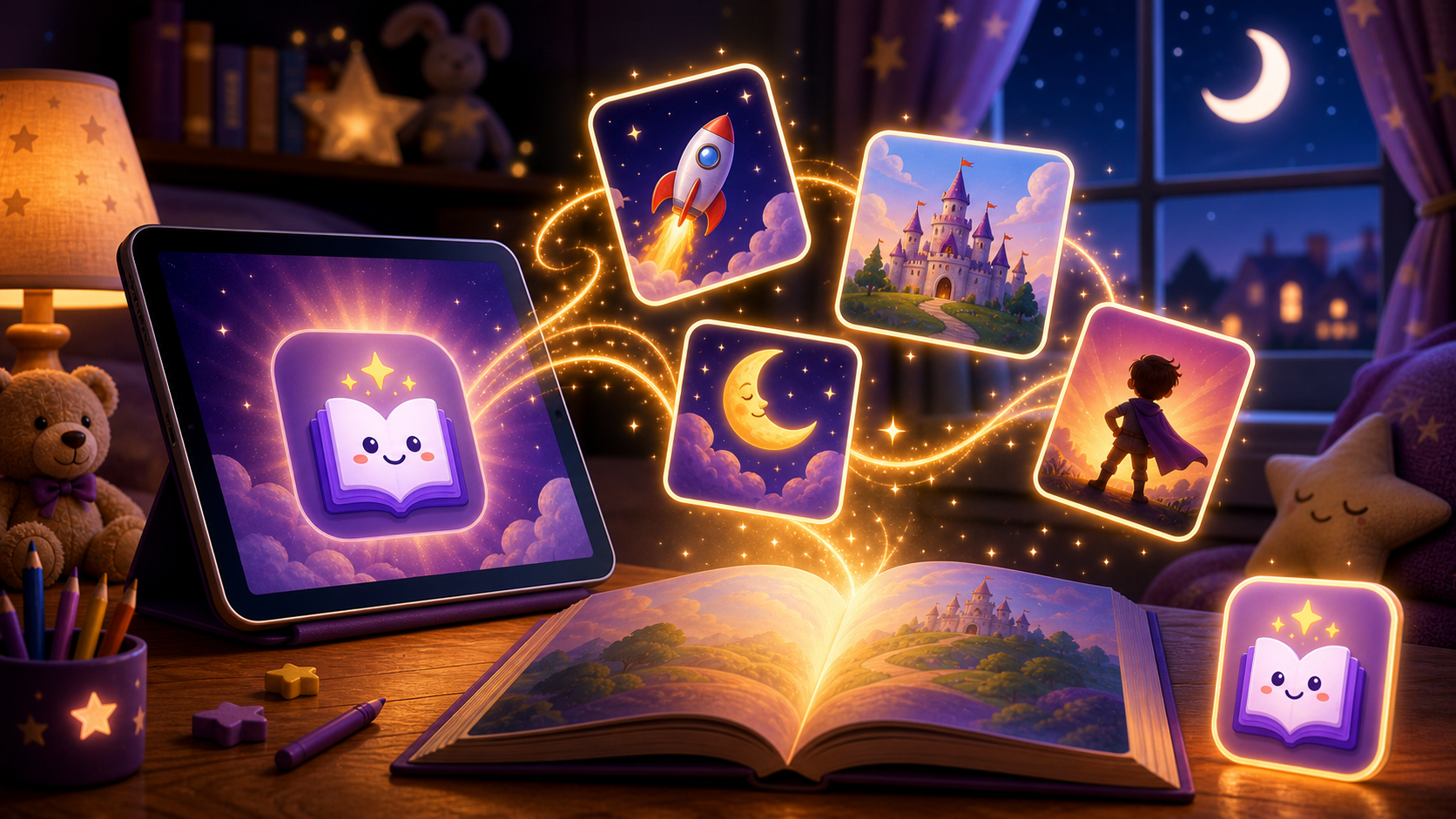
An AI storybook generator for kids creates personalized children's stories from parent-provided details such as age, interests, theme, tone, and story goal. For product-aware parents, the real value is simple: an AI storybook generator can make your child the hero of a fresh bedtime story without forcing you to invent a new plot every night.
That is why this search query is closer to conversion than general bedtime advice.
AI storybook tools are getting more visual and more polished. Some can turn a child's drawing, a family memory, or a simple idea into a multi-page story with pictures and narration. Google's Gemini Storybook, for example, pushed this format into the mainstream by making illustrated, narrated AI storybooks part of a familiar AI app.
For parents, that is exciting and a little complicated.
A storybook can feel magical when it reflects a child's favorite dinosaur, blanket, grandparent, or tiny everyday victory. The best tools turn those details into a story that feels made for one child, not everyone.
This guide compares the main options, explains what to personalize, and shows where a child-focused app like Lulawe fits.
Quick Answer: Best AI Storybook Workflow for Parents
Use a child-focused AI storybook generator when you want a personalized story where your child becomes the main character. Lulawe is a strong fit for this because it is built around personalized children's storytelling rather than broad, generic AI writing.
A good conversion-focused parent workflow is:
- Add your child's first name or nickname.
- Choose the child's age.
- Add 2 or 3 interests.
- Pick a story goal, such as confidence, kindness, sleep, or bravery.
- Generate a personalized bedtime story.
- Review it, then read it together.
For the closer product-intent query, see Make Your Child the Hero of a Story.
AI Storybook Generator vs AI Bedtime Story Generator
An AI bedtime story generator usually focuses on text. An AI storybook generator usually combines text with page-by-page visuals, narration, or both.
| Tool type | Creates | Best bedtime use | Watch-outs |
|---|---|---|---|
| Text story generator | A written story | Quick read-aloud stories | Needs parent review for tone and age fit |
| Illustrated storybook generator | Text plus images | Visual keepsakes and child-led ideas | Images can be stimulating or inconsistent |
| Audio story generator | Narrated story | Lights-low listening | Voice and pacing may not match every child |
| Personalized story app like Lulawe | Guided child-as-hero workflow | Repeat bedtime stories with parent controls | Best when parents want fresh personalized stories often |
For bedtime, a simpler format often works better near lights out. Pictures can be wonderful earlier in the routine. In the last few minutes, a soft voice and predictable ending usually matter more than visual novelty.
Why This Query Is Growing
Parents are not only searching for "bedtime stories" anymore. They are searching for tools that can create custom stories around a child's name, interests, drawings, pets, and family moments.
That shift creates a new search pattern:
- "AI storybook generator for kids"
- "AI bedtime storybook"
- "personalized storybook generator"
- "AI storybook with pictures"
- "Gemini Storybook for kids"
- "make my child the hero of a story"
The search intent is mixed. Some parents want a free creative tool. Some want a safer child-specific app. Some want to understand whether illustrated AI stories are appropriate before bed.
The best answer is not "AI is good" or "AI is bad." It is a parent-led workflow with clear boundaries.
Parent Safety Checklist
Use this checklist before reading an AI-generated storybook to a child.
| Check | What to look for | Fix if needed |
|---|---|---|
| Age fit | Vocabulary and plot match the child | Regenerate with a younger age level |
| Emotional tone | Calm, reassuring, low-stakes | Ask for softer conflict and a peaceful ending |
| Images | No frightening, strange, or confusing visuals | Hide or regenerate the page |
| Privacy | No full names, addresses, school names, or medical details | Replace with a nickname or general detail |
| Length | Short enough for bedtime | Ask for 5 to 8 pages or a 5-minute read |
| Ending | Clear, safe, sleepy closure | Add "end with the child cozy in bed" |
This is especially important for illustrated AI storybooks because parents need to review both the words and the pictures.
A Bedtime-Safe AI Storybook Prompt
Use this prompt as a starting point:
Create a short, calm illustrated bedtime storybook for a 5-year-old who loves ocean animals. Use gentle language, no scary scenes, no villains, and no cliffhanger. Make it 6 pages. Each page should have 2 short sentences and one soft illustration idea. End with the main character safe, cozy, and ready to sleep.
This prompt works because it gives the AI five useful constraints:
- age
- interest
- mood
- length
- ending
For stronger personalization, add one familiar detail, not ten.
Better:
Include a small blue backpack.
Too much:
Include full name, school, teacher, street, weekend plans, medical appointment, and exact birthday.
Personalization should feel familiar without becoming a privacy dump.
Prompt Words to Use and Avoid
AI tools respond strongly to tone words. At bedtime, small word choices change the whole story.
| Use these words | Avoid these words |
|---|---|
| calm | epic |
| cozy | battle |
| gentle | chase |
| sleepy | terrifying |
| reassuring | shocking |
| soft | villain |
| safe | cliffhanger |
| quiet | dangerous |
There is nothing wrong with adventurous stories during the day. At bedtime, the story should lower energy instead of raising it.
How to Use a Child's Drawing Safely
Some AI storybook generators let parents upload a drawing or image as inspiration. This can be delightful, especially when a child sees their own idea become a story.
Use this approach:
- Photograph only the drawing, not the child's face or room.
- Describe the image in words instead of uploading it when possible.
- Ask the AI to keep the story calm and short.
- Review all generated images before showing the child.
- Save the story only if you are comfortable with the tool's privacy settings.
If the tool produces odd character details or inconsistent images, treat that as normal AI output rather than a failure. The parent can simply skip the page, regenerate, or use the story text without the image.
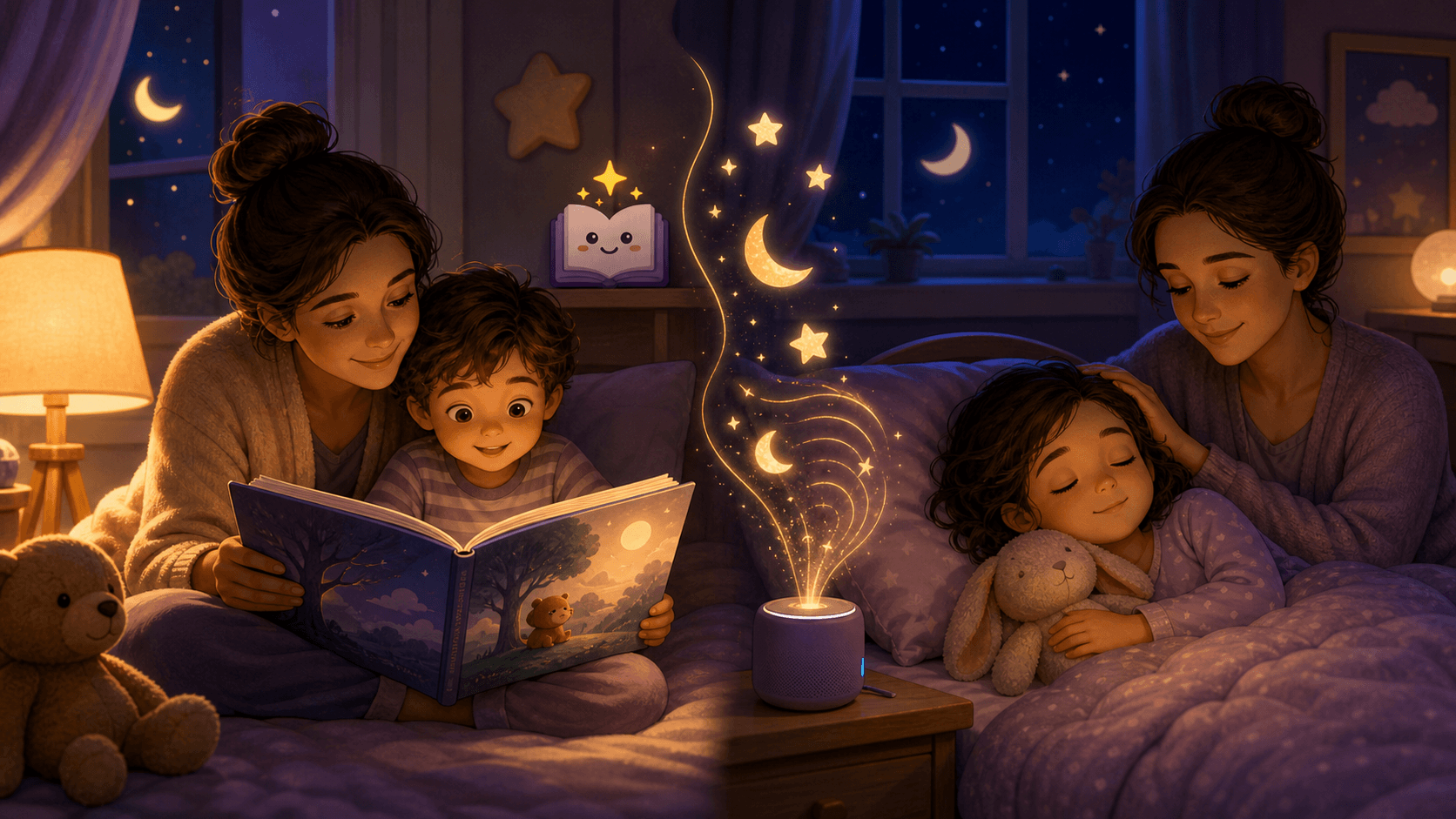
Illustrated Storybook or Audio Story?
The best format depends on where you are in the bedtime routine.
| Moment | Better format | Why |
|---|---|---|
| Before pajamas | Illustrated storybook | Child can enjoy pictures while still alert |
| After brushing teeth | Read-aloud story | Parent voice keeps the routine warm |
| Lights low | Audio or parent reading | Less visual stimulation |
| Child is anxious | Simple personalized story | Familiar details can feel reassuring |
| Child is overtired | Very short story | Fewer choices, faster closure |
For a deeper comparison, see Illustrated vs Audio Bedtime Stories.
What Makes an AI Storybook Child-Safe?
A child-safe AI storybook experience should be designed around children, not simply adapted from a general AI tool.
Look for:
- parent controls
- age-aware writing
- calm story modes
- privacy-conscious profiles
- no open-ended child chat
- easy regeneration
- visible review before reading
- clear story length controls
The biggest safety feature is still the parent.
An AI tool can help draft the story. It cannot know your child's current fear, bedtime mood, family rule, or sleep pressure as well as you do.
When AI Storybooks Are a Good Fit
An AI storybook generator can be useful when:
- your child wants a story about a very specific interest
- you want to turn a drawing into a gentle story
- you are tired of repeating the same plot
- your child responds well to personalized stories
- you want a keepsake story after a trip or milestone
- you need a calm story about a small worry
For example, a child nervous about preschool might enjoy a story about a little fox packing a tiny snack and finding one friendly face. A child who loves rockets might prefer a moon picnic story with no danger, no countdown panic, and a soft return home.
When to Skip AI at Bedtime
Skip AI storybook generation at bedtime when:
- your child is already overstimulated
- you are short on time and cannot review the output
- the tool requires active screen use from the child
- the story keeps generating intense or strange images
- your child starts negotiating for more versions
- the process becomes longer than the story itself
On those nights, use a familiar book, a short calming bedtime story, or a simple made-up story.
A Parent-Led 6-Page Storybook Template
Use this structure when a tool asks for page-by-page guidance.
| Page | Purpose | Example |
|---|---|---|
| 1 | Familiar opening | "Mia put on her soft socks and looked out at the moon." |
| 2 | Gentle wish | "Tonight, she wondered where sleepy sea turtles rest." |
| 3 | Soft journey | "A tiny turtle invited her to float through quiet waves." |
| 4 | Small lesson | "Mia learned that slow breaths help the ocean feel calm." |
| 5 | Return home | "The turtle brought her back before the stars blinked twice." |
| 6 | Sleep ending | "Mia hugged her blanket and let her eyes close." |
This template gives AI enough structure to create a story without turning bedtime into a plot machine.
External Guidance Parents Can Trust
The American Academy of Pediatrics' HealthyChildren.org recommends a predictable "Brush, Book, Bed" routine: brush teeth, read together, and get to bed at a regular time. Their guidance also notes that even 15 minutes of shared reading can support language development and social-emotional skills.
The American Academy of Sleep Medicine recommends 10 to 13 hours of sleep for children ages 3 to 5 and 9 to 12 hours for children ages 6 to 12, with regular sleep linked to attention, behavior, learning, memory, and emotional regulation.
AI storybooks fit best when they support those basics: predictable routine, shared reading, regular bedtime, and enough sleep.
Helpful references:
Best Parent Workflow
Here is the cleanest way to use an AI storybook generator without letting it take over bedtime.
- Generate earlier in the evening.
- Keep the prompt short and calm.
- Review text and images alone.
- Remove anything intense, odd, or too long.
- Read the story without letting the child keep regenerating.
- End with the same closing phrase every night.
A good closing phrase might be:
The story is finished, and now it is sleep time.
That phrase matters because it prevents the storybook from becoming another negotiation loop.
Bottom Line
AI storybook generators can be useful for kids when parents use them as a creative assistant, not an unsupervised storyteller.
The safest bedtime version is short, calm, reviewed, low-screen, age-aware, and emotionally soft. The story can include a child's interests, drawings, or favorite themes, but it should still end the same way every good bedtime story ends:
safe, settled, and ready for sleep.