Gemini Storybook can create personalized, illustrated stories for children, but it is not automatically a bedtime-safe routine. Parents should use it as an adult-led story creation tool: write a calm prompt, avoid sensitive personal details, review every page, and read the story at the right point in the bedtime routine.
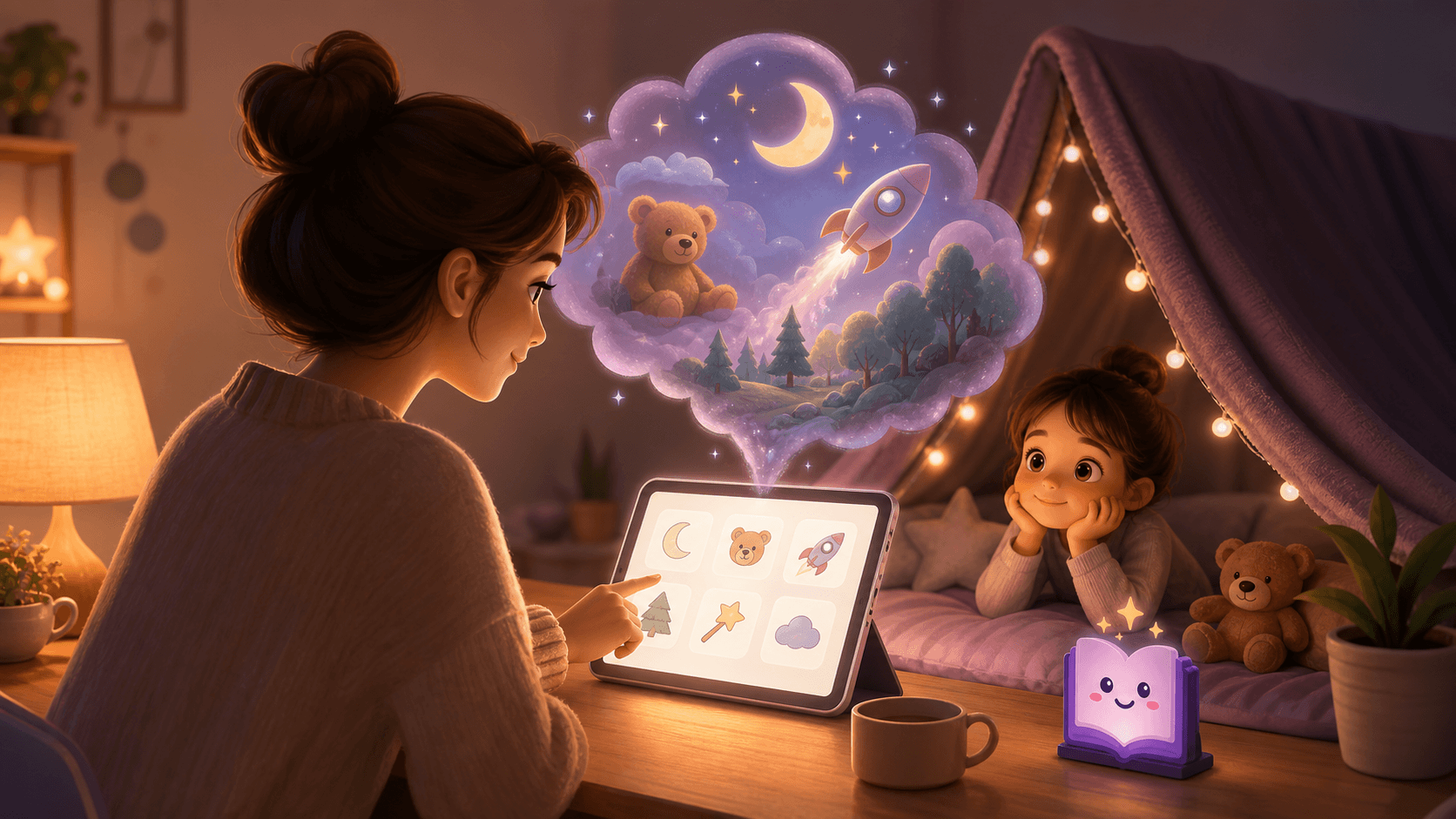
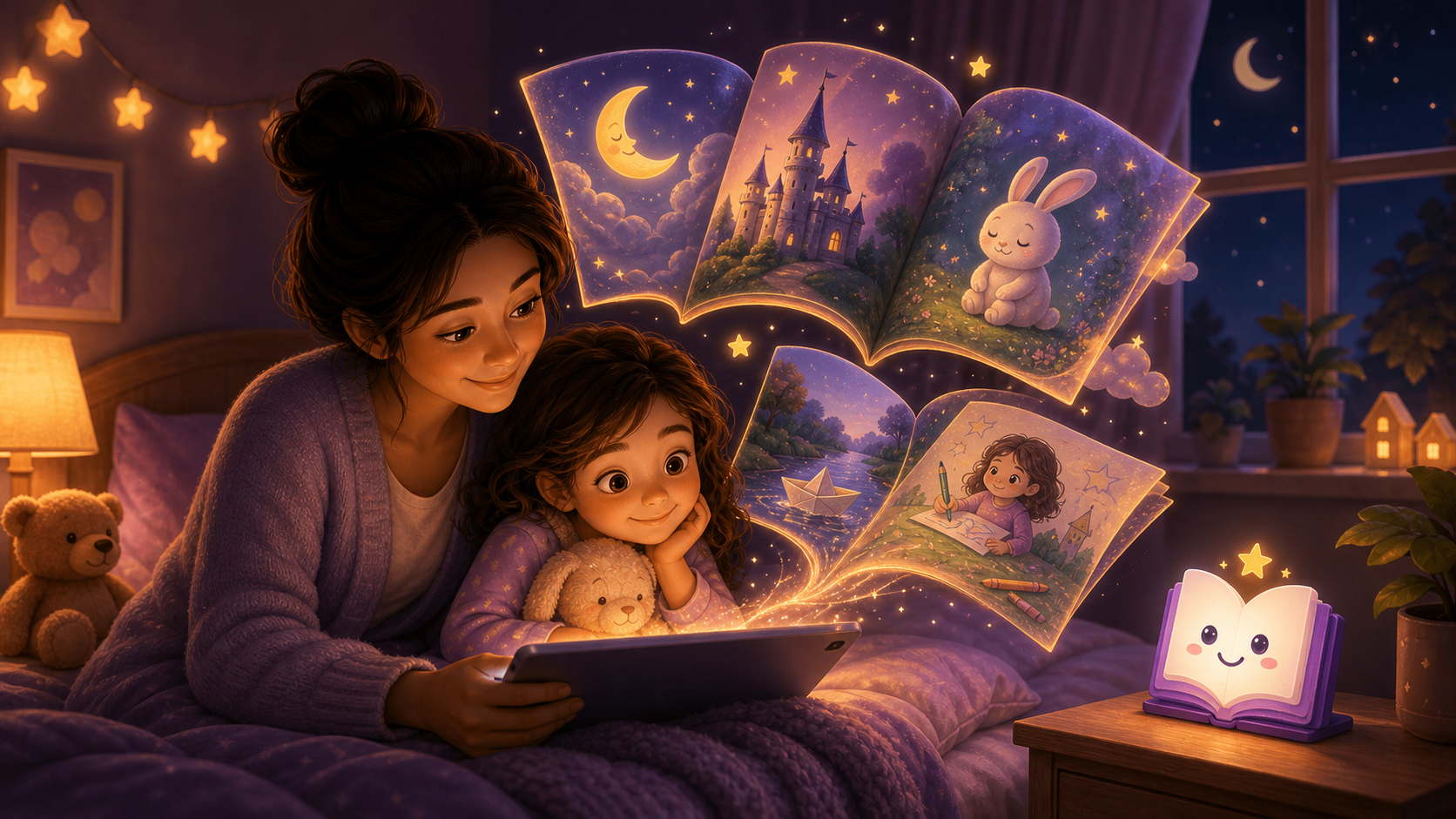
Google's Gemini Storybook feature is easy to understand: describe a story, optionally add files or photos, and Gemini creates a 10-page illustrated storybook with read-aloud narration.
That makes it attractive for parents.
A child's drawing can become a picture book. A family memory can become a gentle adventure. A difficult idea, such as sharing or starting school, can become a story.
But bedtime has different rules from daytime creativity.
The best bedtime story is not the most surprising story. It is the story that helps a child feel safe, seen, and ready to sleep.
This guide explains when Gemini Storybook works well for kids, where parents need to be careful, and when a dedicated bedtime story app like Lulawe is the better fit.
Quick Answer
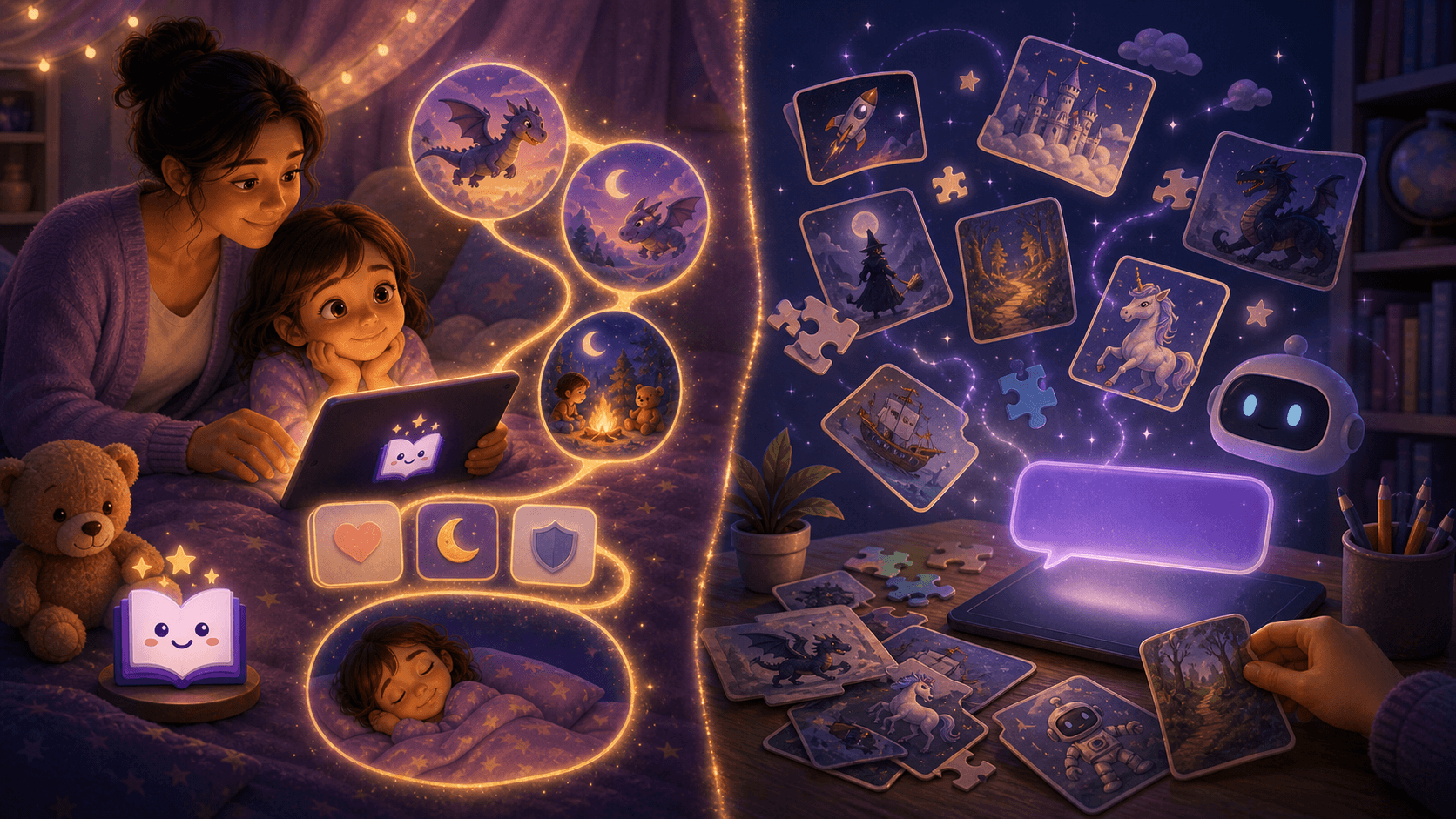
Gemini Storybook is useful when a parent wants a custom illustrated storybook from a prompt, drawing, photo, or memory. It is best for one-off stories, creative play, and turning a specific idea into a short book.
For bedtime, use this rule:
| Use Gemini Storybook when | Use a bedtime story app when |
|---|---|
| You want a one-time illustrated story | You want repeatable nightly stories |
| You have a drawing, photo, or memory to adapt | You want saved child preferences |
| The parent has time to review the output | You want calmer defaults and less editing |
| The story is used earlier in the routine | The story is part of the final wind-down |
| You are experimenting with visual styles | You need age-aware bedtime pacing |
Gemini is flexible. Lulawe is focused.
That difference matters most on tired nights.
What Is Gemini Storybook?
Gemini Storybook is a feature in the Gemini app that creates personalized illustrated storybooks from a prompt. Google describes the output as a unique 10-page book with custom art and audio.
Parents can use it to create a bedtime story, but the feature is broader than bedtime. Google's examples include memories, inside jokes, complex concepts, travel photos, and language practice.
That breadth is useful.
It also means parents need to shape the prompt carefully when the story is for sleep.
For a bedtime story, the prompt should set boundaries:
- child age
- story length
- calm tone
- simple language
- low conflict
- no scary scenes
- no cliffhanger
- cozy ending
Without those boundaries, a general AI tool may create a story that is clever but too stimulating.
How Gemini Storybook Works for Kids
The parent starts with a story idea, then Gemini builds the pages.
Typical inputs include:
- a short text prompt
- a child's drawing
- a family photo
- a document or file
- a topic the parent wants to explain
- a preferred illustration style
Gemini can also use uploaded materials as inspiration. Google says Storybook can create stories from photos, documents, and files, and the official Gemini Storybook overview notes that storybooks can be read, listened to, printed, and shared.
For children, that creates 3 strong use cases:
- Turn a child's drawing into a gentle story.
- Turn a family memory into a keepsake.
- Turn a hard concept into a simple narrative.
Those are valuable.
They are also not the same as a nightly bedtime workflow.
The Bedtime Risk: Too Much Novelty
AI storybooks can become exciting because they offer endless choice.
One more prompt. One more style. One more picture. One more version.
That is not ideal near lights-out.
Bedtime stories usually work best when they reduce decisions:
- one story
- one voice
- one ending
- one predictable transition into sleep
If a child is watching pages generate, asking for a new style, or negotiating for another version, the tool has become part of the delay.
That does not make Gemini Storybook bad for families. It just means timing matters.
Use visual AI storybooks earlier in the routine, then switch to parent-read or audio storytelling for the final quiet minutes.
Parent Safety Checklist
Before reading a Gemini Storybook to a child, check these 8 points.
| Check | What to look for |
|---|---|
| Age fit | Vocabulary and plot match the child's age |
| Emotional tone | The story feels calm, warm, and reassuring |
| Visual safety | Images are not scary, uncanny, intense, or overstimulating |
| Privacy | No full name, address, school, medical detail, or sensitive family event |
| Ending | The story ends with safety, comfort, and closure |
| Length | The story fits the bedtime window |
| Screens | The child is not pulled into tapping, scrolling, or regenerating |
| Parent role | An adult reviews and reads the story |
Google's own Gemini Storybook page says the feature is for Gemini users over 18. That is a useful boundary for families: treat Gemini Storybook as a parent tool, not a child-operated bedtime toy.
For broader safety guidance, see Are AI Bedtime Stories Safe for Kids? and Child-Safe AI.
Best Gemini Storybook Prompt for Bedtime
Use a prompt that tells Gemini what to include and what to avoid.
Copy this structure:
Create a 10-page illustrated bedtime storybook for a [age]-year-old child who loves [interest]. Keep the story calm, warm, and simple. Include one gentle problem, no villains, no scary scenes, no chase, no cliffhanger, and no loud action. End with the main character safe, cozy, and ready to sleep. Use soft bedtime-friendly illustrations.
Example:
Create a 10-page illustrated bedtime storybook for a 5-year-old who loves moon boats and rabbits. Keep it calm and gentle. The rabbit can learn to feel brave in the dark, but nothing scary should happen. End with the rabbit tucked in, safe, and sleepy. Use soft watercolor-style illustrations.
This prompt works because it controls the story's emotional shape.
The most important words are not "magic" or "adventure." They are "calm," "gentle," "safe," and "sleepy."
What Parents Should Not Put in the Prompt
Personalized does not need to mean deeply private.
Avoid adding:
- full legal name
- school name
- home address
- exact location
- medical information
- private family conflict
- embarrassing events
- photos you would not want stored or shared
- anything the child would not want repeated
Use low-risk details instead:
- first name or nickname
- age
- favorite animal
- favorite theme
- gentle feeling
- bedtime goal
- broad family memory
For example, "a child who loves trains and felt nervous at bedtime" is enough. The story can feel personal without using sensitive data.
Gemini Storybook vs Lulawe
The choice is not simply "which AI can write a story?"
The better question is: what job are you trying to do tonight?
| Need | Gemini Storybook | Lulawe |
|---|---|---|
| One-off illustrated storybook | Strong | Strong |
| Bedtime-specific workflow | Parent must guide it | Built around bedtime stories |
| Saved child profile | Not the main workflow | Designed for child-specific personalization |
| Calm nightly repetition | Depends on prompt and parent review | Better fit |
| Visual style experimentation | Strong | Less central |
| Turning family moments into stories | Possible through prompts/uploads | Core use case |
| Less parent prompt work | Weaker | Stronger |
| Final wind-down routine | Use carefully | Better fit |
Gemini Storybook is powerful because it is broad.
Lulawe is useful because it is narrower.
For a parent, narrower can be a benefit. A bedtime story app should reduce decisions, not create a new creative project every night.
When Gemini Storybook Is the Better Choice
Use Gemini Storybook when:
- your child made a drawing and wants it turned into a book
- you want to explain a life event through a story
- you are making a keepsake for relatives
- you want to experiment with illustration styles
- you have time to review the story before bedtime
- the story will be read earlier in the evening
It is especially good for creative projects that can be printed, shared, or revisited.
It may be less ideal when the child is already overtired, anxious, or negotiating for more screen time.
When Lulawe Is the Better Choice
Use Lulawe when:
- you want repeatable personalized stories across many nights
- you want fewer prompt-writing decisions
- you want bedtime-safe story defaults
- you want child-specific stories without starting from scratch
- you want stories shaped around age, interests, memories, and family moments
- you want the final story to support the routine rather than interrupt it
Lulawe is built around personalized bedtime stories, not general AI experimentation.
That makes it a better fit when the goal is a calm story tonight, not a perfect AI project.
Best Bedtime Workflow if You Use Gemini Storybook
Use Gemini before the final routine starts.
Try this sequence:
- Create the story before pajamas or teeth.
- Review all pages without the child if possible.
- Remove or regenerate anything too intense.
- Show or read the story earlier in the routine.
- Put screens away before the final wind-down.
- Finish with parent voice, audio, or a familiar short story.
- End at the same point every night.
The key is to keep the child out of the prompt loop at lights-out.
Prompting is creative. Bedtime needs closure.
Best Age Range for Gemini Storybook at Bedtime
Gemini Storybook can work for many ages, but the bedtime role changes.
| Age | Best use |
|---|---|
| 2-3 | Parent-created simple picture story, read earlier in routine |
| 4-5 | Gentle illustrated story with familiar characters |
| 6-7 | Storybook about confidence, sharing, school, or feelings |
| 8-10 | More complex story with a calm ending and parent review |
For toddlers and preschoolers, keep the story visually simple.
For older children, make the theme meaningful but avoid making bedtime into an open-ended creative session.
For age-specific bedtime story guidance, see Personalized Bedtime Stories by Age.
Final Takeaway
Gemini Storybook is a strong creative tool for custom illustrated stories. It can help parents turn drawings, memories, and lessons into storybooks children enjoy.
But bedtime is not only a content problem.
It is a routine problem.
Use Gemini Storybook when you want a flexible, visual, one-off story project. Use a child-focused bedtime story app like Lulawe when you want calmer defaults, saved personalization, less prompt work, and a story flow designed around sleep.
The best AI story for bedtime is not the most impressive one.
It is the one your child can leave peacefully when the story ends.